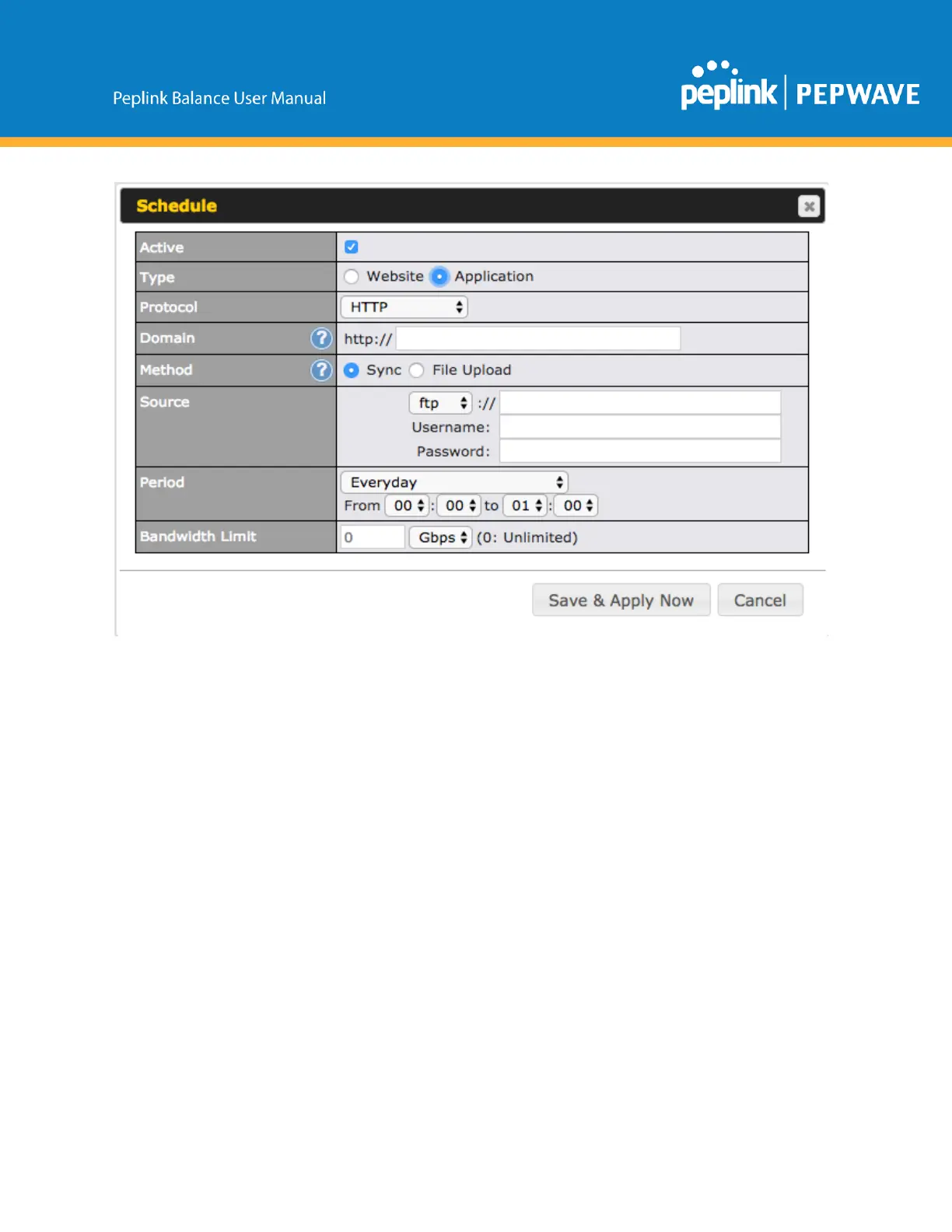
ThesettingissameasWebsitetypeandyoucanrefertothedescriptionintheabovesection
FortheApplicationtype,youneedtopackyourapplicationasbelow:
1. Implementtwobashscriptfiles,start.shandstop.shinrootfolder,tostartandstopyour
application.theMediafastrouterwillonlyexecutestart.shandstop.shwhenthecorresponding
websiteisenabledanddisabledrespectively.
2. Compressyourapplicationfilesandthebashscriptto.tar.gzformat.
3. Uploadthistarfiletotherouter.
MDMSettings
In addition to performing content caching, MediaFastenabled routers can also serve as an MDM,
administratingtoclientdevices.ToaccessMDMSettings,navigatetoNetwork>MDMSettings:



 To Next Page