11.2 ConfigurationwiththeSetupWizard
TheSetupWizardsimplifiesthetaskofconfiguringWANconnection(s)byguidingtheconfiguration
processstepbystep.
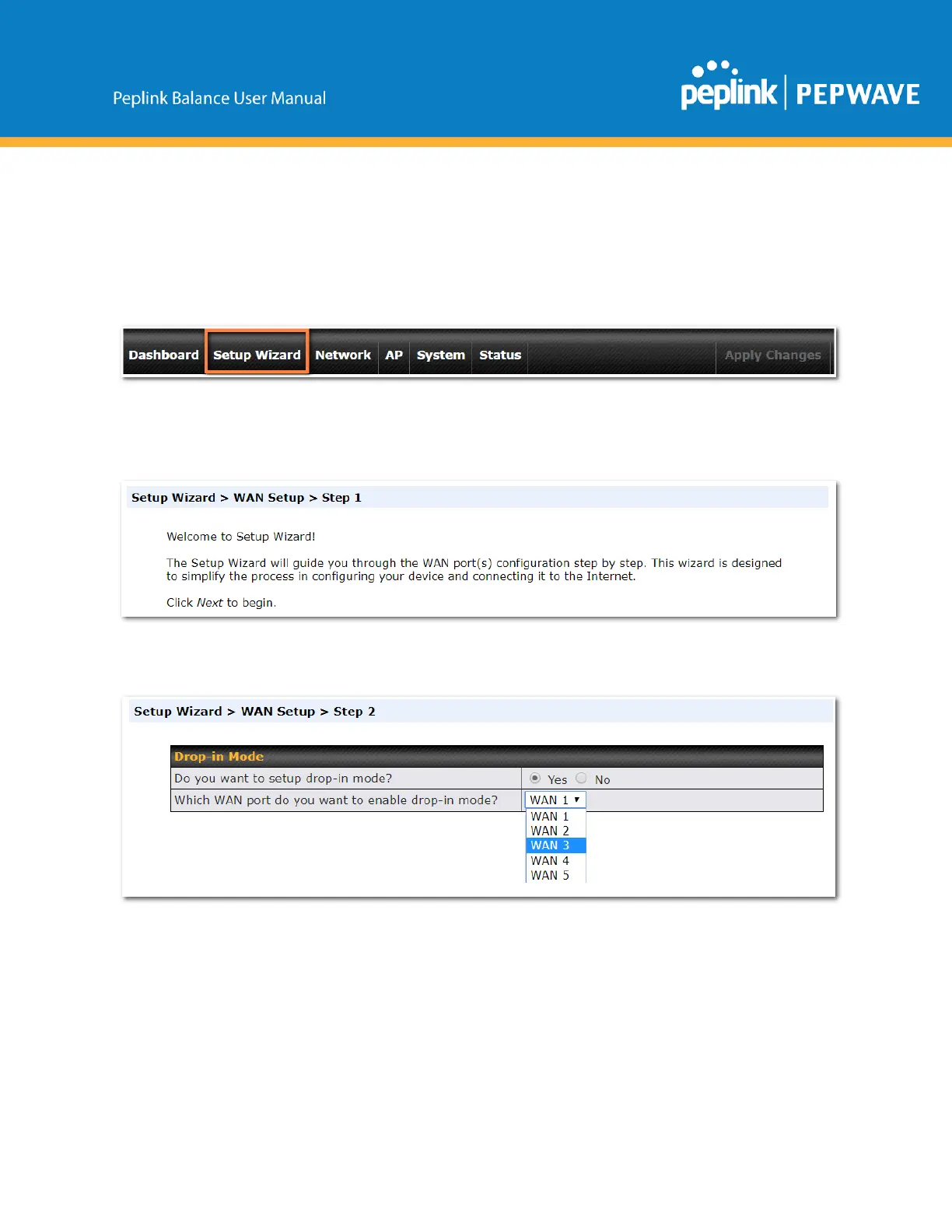
Tobegin,clickSetupWizardafterconnectingtothewebadmininterface.
ClickNext>>tobegin.
SelectYesifyouwanttosetupdropinmodeusingtheSetupWizard.
Click on the appropriate checkbox(es) to select the WAN connection(s) to be configured. If you have
chosen to configure dropin mode using the Setup Wizard, the WAN port to be configured in dropin mode
willbecheckedbydefault.



 To Next Page