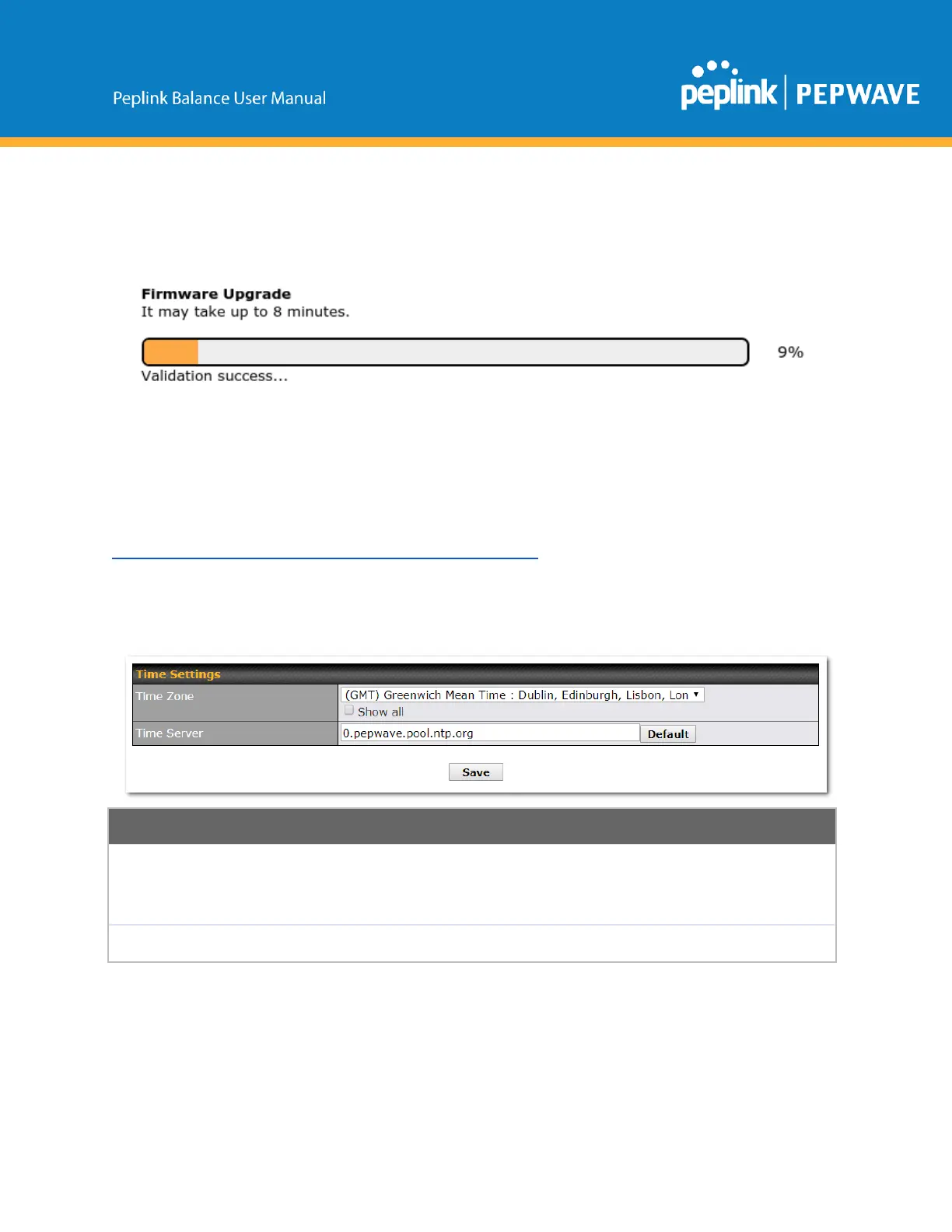
ApromptwillbedisplayedadvisingtodownloadtheCurrentActiveConfiguration.Pleaseclickonthe
underlineddownloadtext.AfterdownloadingthecurrentconfigclicktheOkbuttontostarttheupgrade
process.Thefirmwarewillnowbeappliedtotherouter*.Theamountoftimeittakesforthefirmwareto
upgradewilldependontherouterthat’sbeingupgraded.
*Upgradingthefirmwarewillcausetheroutertoreboot.
TheInControlmethod
Describedinthisknowledgebasearticleonourforum.
16.1.3 Time
ThetimeserverfunctionalityenablesthesystemclockofthePeplinkBalancetobesynchronizedwitha
specifiedtimeserver.ThesettingsfortimeserverconfigurationarelocatedatSystem>Time.
Thisspecifiesthetimezone(alongwiththecorrespondingDaylightSavingsTimescheme)
inwhichPeplinkBalanceoperates.TheTimeZonevalueaffectsthetimestampsinthe
eventlogofthePeplinkBalanceandemailnotifications.CheckShowalltoshowalltime
zoneoptions.
ThissettingspecifiestheNTPnetworktimeservertobeutilizedbythePeplinkBalance.
16.1.4 Schedule
Enable and disable different functions (such as WAN connections, outbound policy, and firewalls at
different times, based on a userscheduled configuration profile. The settings for this are located at
System>Schedule
Copyright@2019Peplink



 To Next Page