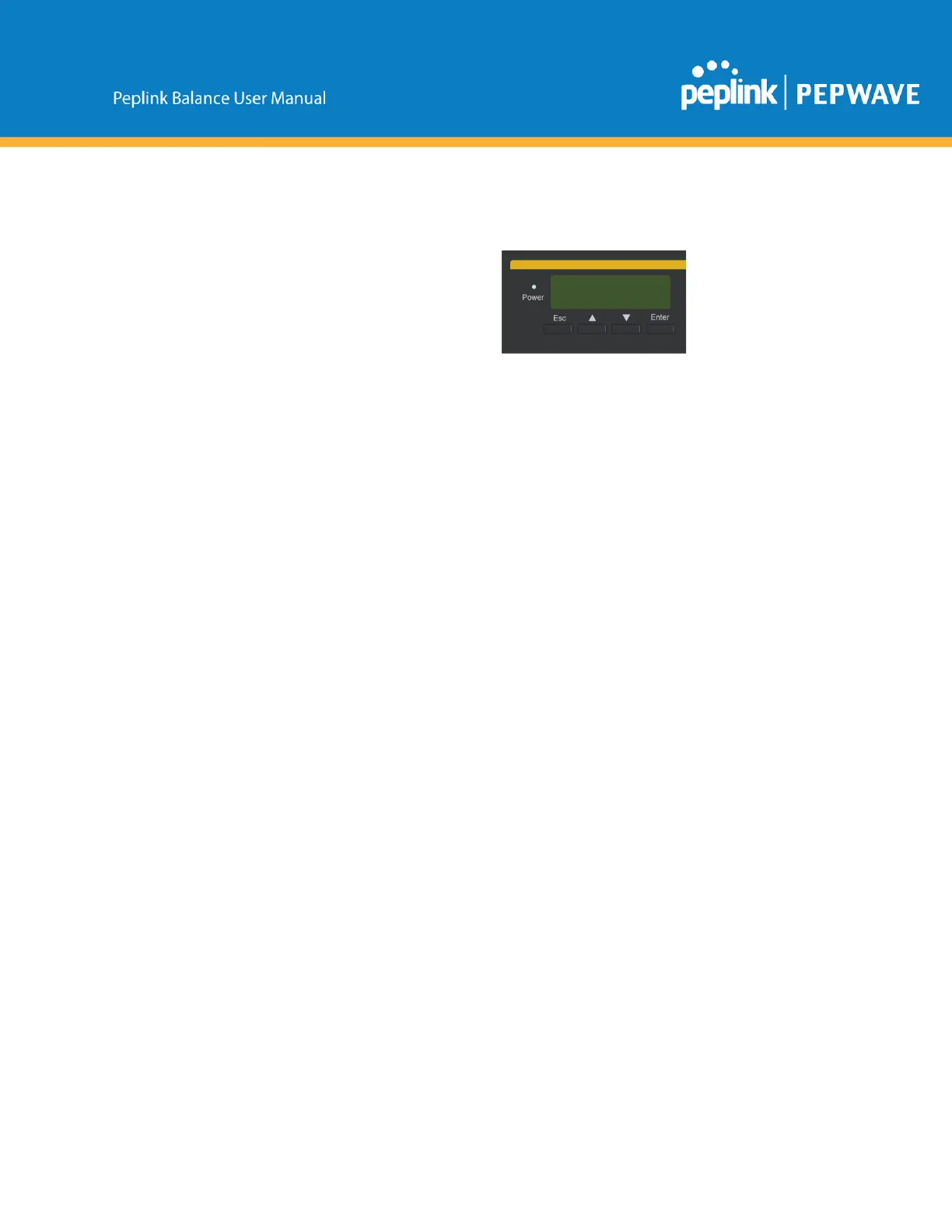
9 LCDDisplayMenu
>HAState:Master/Slave
>LANIP
>VIP
>SystemStatus
>System
>Firmwarever. (showsfirmwareversion)
>Serialnumber (showsserialnumber)
>Systemtime (showscurrenttime)
>Systemuptime (showssystemuptimesincelastreboot)
>CPUload (showscurrentCPUloading,0100%)
>LAN
>Status (showsLANportphysicalstatus)
>IPaddress (showsLANIPaddress)
>Subnetmask (showsLANsubnetmask)
>Linkstatus (showsConnected/Disconnected,IPaddresslist)
>WAN1
>WAN2
>WAN3*
>VPNstatus (showsConnected/Disconnected)
>VPNProfile1
>VPNProfile2
>…
>VPNProfilen
>Linkusage
>Throughputin (showstransferrateinKbps)
>WAN1
>WAN2
>WAN3*
>Throughputout (showstransferrateinKbps)
>WAN1
>WAN2
>WAN3*
>DataTransfered (showsvolumetransferredsincelastrebootinMB)
>WAN1
>WAN2
>WAN3*
>Maintenance



 To Next Page