berejected.
Reject:Routesin"RestrictedNetworks"willberejected,routesnotinthelistwill
beaccepted.
Thisspecifiesthenetworkinthe“routeimport”entry
ExactMatch:Whenthisboxischecked,onlyrouteswiththesameNetworksand
SubnetMaskwillbefiltered.
Otherwise,routeswithintheNetworksandSubnetwillbefiltered.
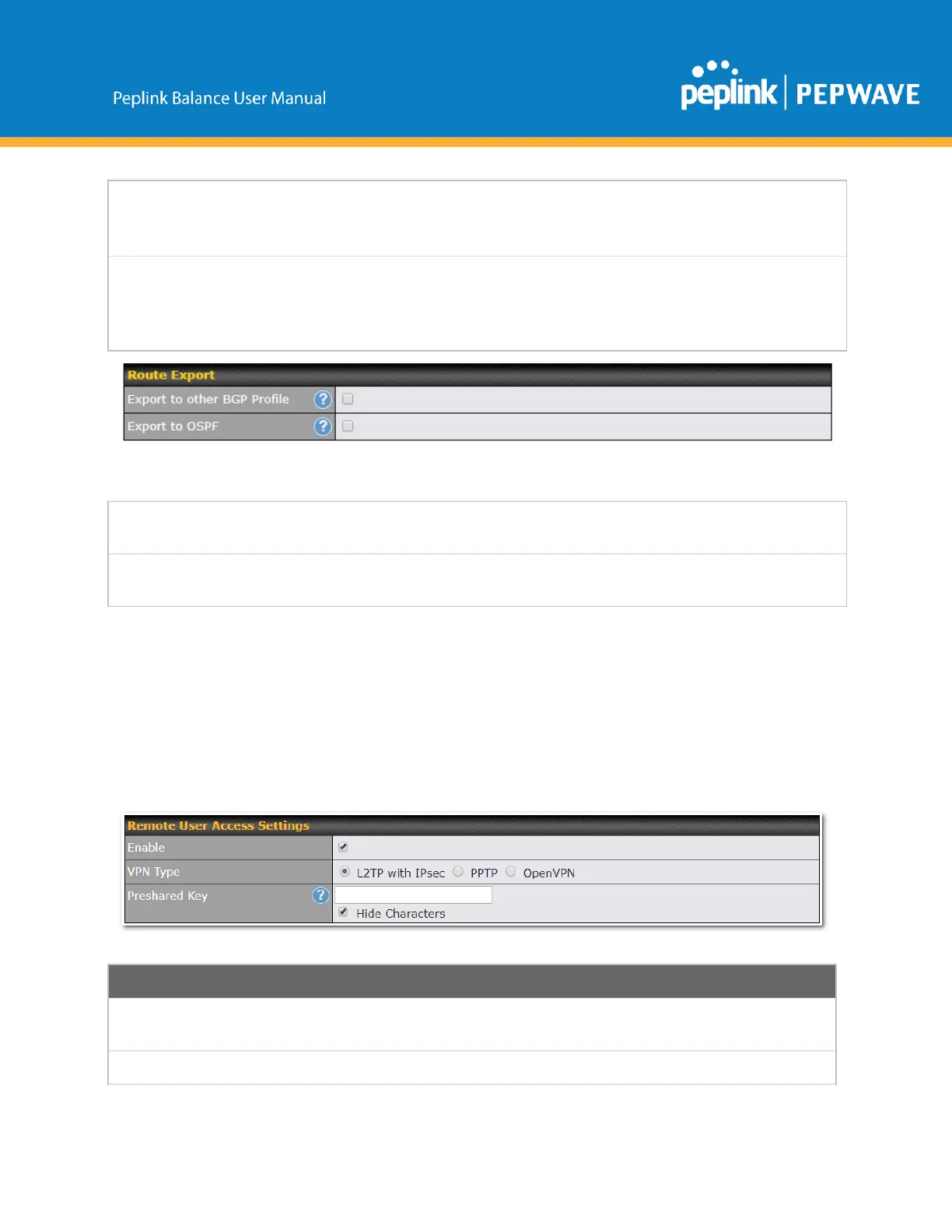
Exporttoother
BGPProfile
Whenthisboxischecked,routeslearntfromthisBGPprofilewillexporttoother
BGPprofiles.
Whenthisboxischecked,routeslearntfromthisBGPprofilewillexporttothe
OSPFroutingprotocol.
12.14 RemoteUserAccess
A remoteaccess VPN connection allows an individual user to connect to a private business network from
a remote location using a laptop or desktop computer connected to the Internet. Networks routed by a
Peplink router can be remotely accessed via OpenVPN, L2TP with IPsec or PPTP. To configure this
feature,navigatetoNetwork>RemoteUserAccessandchoosetherequiredVPNtype.
12.14.1 L2TPwithIPsec
L2TPwithIPsecRemoteUserAccessSettings
Enteryourpresharedkeyinthetextfield.Pleasenotethatremotedeviceswill
needthispresharedkeytoaccesstheBalance.
ThissettingisforspecifyingtheWANIPaddressesthatallowremoteuseraccess.
Copyright@2019Peplink



 To Next Page