11 BasicConfiguration
11.1 ConnectingtotheWebAdminInterface
1. StartawebbrowseronacomputerthatisconnectedwiththePeplinkBalancethroughtheLAN.
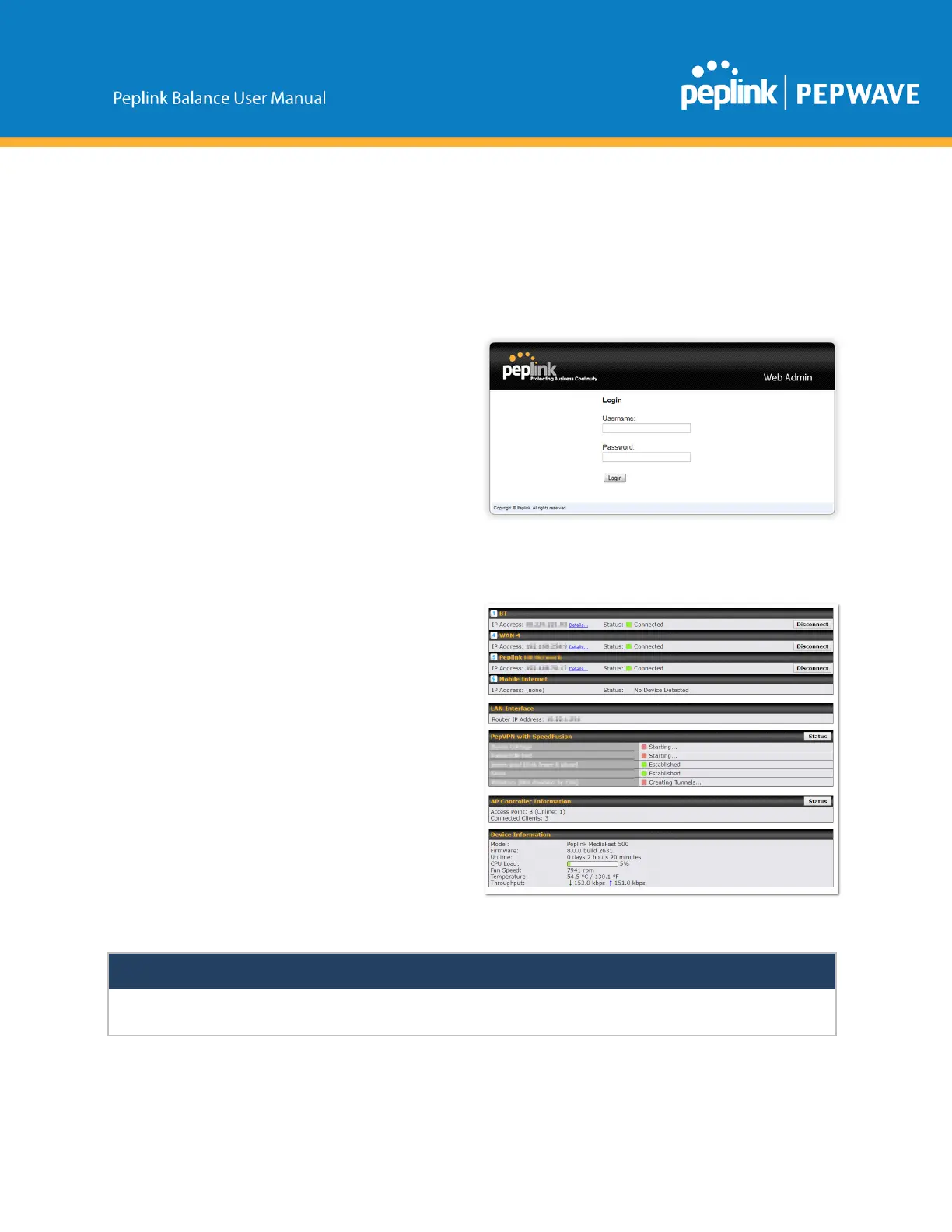
2. ToconnecttothewebadminofthePeplinkBalance,enterthefollowingLANIPaddressinthe
addressfieldofthewebbrowser:
http://192.168.1.1
(This is the default LAN IP address of the
Peplink Balance.) Enter the following to
accessthewebadmininterface.
Username:admin
Password:admin
(This is the default admin user login of the Peplink Balance. The admin and readonly user
passwordcanbechangedatSystem>AdminSecurity.)
3. Aftersuccessfullogin,theDashboardof
thewebadmininterfacewillbedisplayed.
Itlookssimilartothefollowing:
TheSavebuttoncausesthechangestobesaved.Configurationchanges(e.g.,WAN,LAN,adminsettings,etc.)
takeeffectafterclickingtheApplyChangesbuttononeachpage’stoprightcorner.



 To Next Page