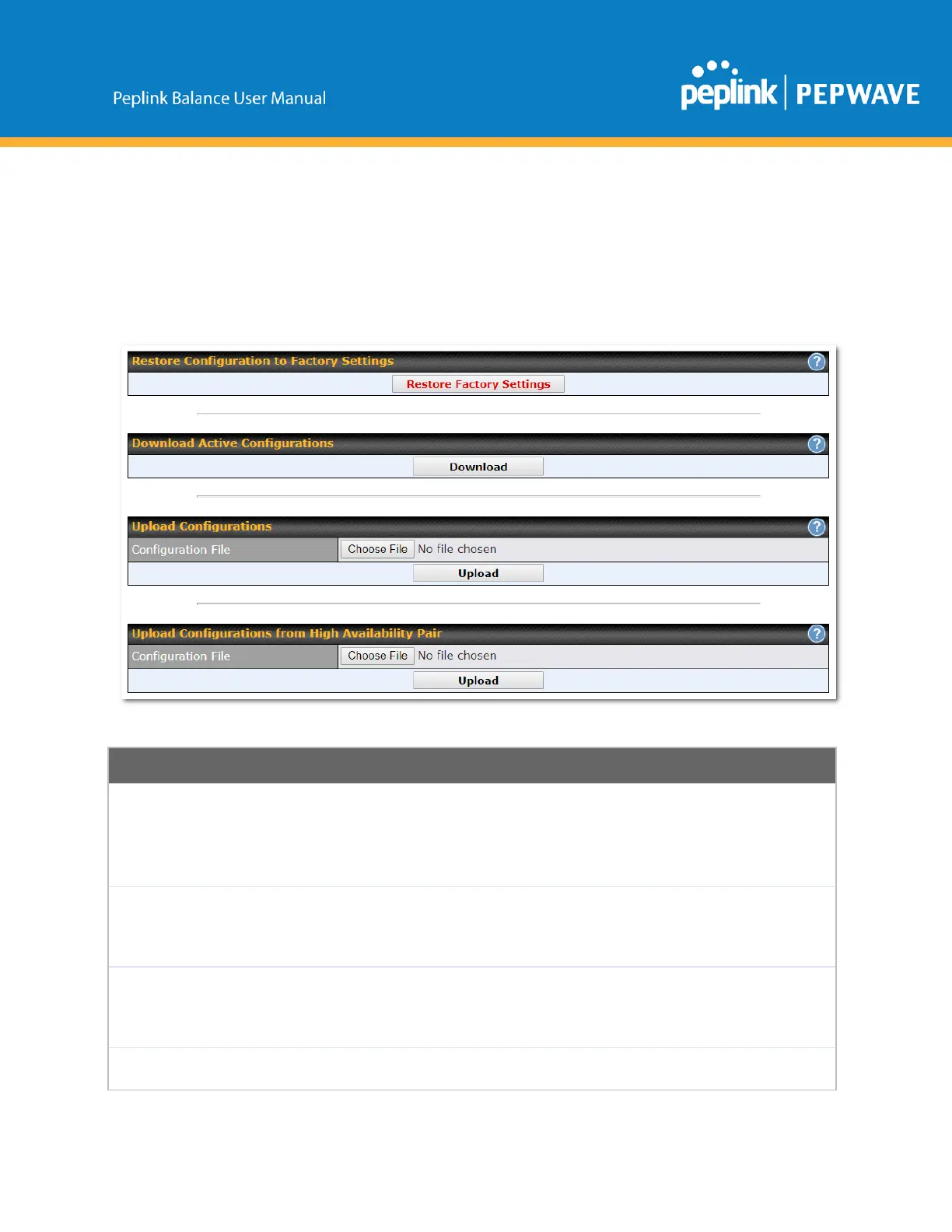
16.1.9 Configuration
BackingupPeplinkBalancesettingsimmediatelyaftersuccessfulcompletionofinitialsetupisstrongly
recommended.ThefunctionalitytodownloadanduploadPeplinkBalancesettingsisfoundat
System>Configuration.
Restore
Configuration
toFactory
Settings
TheRestoreFactorySettingsbuttonistoresettheconfigurationtofactorydefault
settings.Afterclickingthebutton,youwillneedtoclicktheApplyChangesbuttononthe
toprightcornertomakethesettingseffective.
Download
Active
Configurations
ClickDownloadtobackupthecurrentactivesettings.
Torestoreorchangesettingsbasedonaconfigurationfile,clickChooseFiletolocatethe
configurationfileonthelocalcomputer,andthenclickUpload.Thenewsettingscanthen
beappliedbyclickingtheApplyChangesbuttononthepageheader,oryoucancancel
theprocedurebypressingdiscardonthemainpageofthewebadmininterface.
Inahighavailability(HA)configuration,theBalanceunitcanquicklyloadtheconfiguration
ofitsHAcounterpart.Todoso,clicktheUploadbutton.Afterloadingthesettings,configure
Copyright@2019Peplink



 To Next Page