OPC / OPD / OPE
Vision Configurator Software
2015-07
37
The Level Trigger Settings menu item is active only if you have selected Level
trigger under Direct Trigger Mode.
Level Trigger Settings
The Encoder Details menu item is active only if you have selected Encoder
trigger under Trigger Mode.
Encoder Details
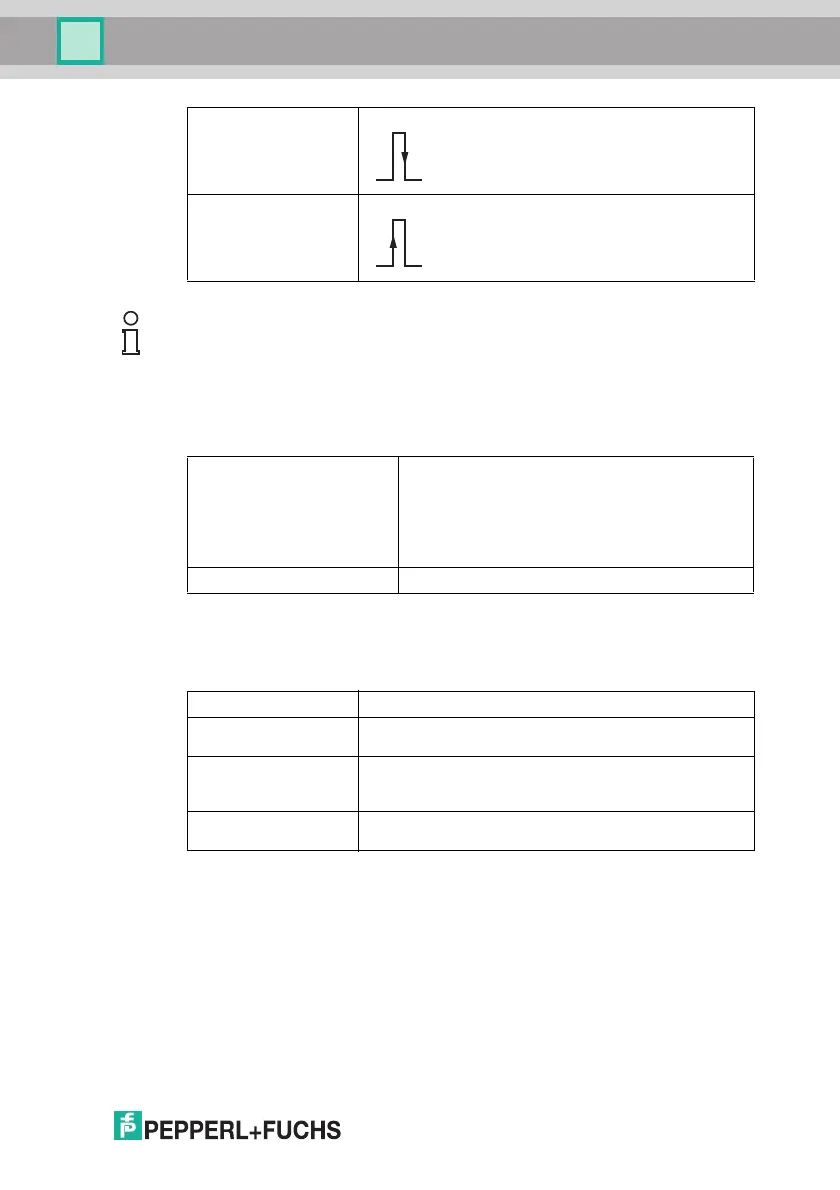
Negative edge The falling edge activates a trigger
Positive edge The rising edge activates a trigger
Note!
Use the Encoder trigger trigger mode in conjunction with 1-D barcodes only.
Continue when connected Emergency switch for a continuous trigger. If this is
enabled, the sensor operates continuously. Disable
this option to interrupt the sensor's task.
For example, if Level trigger is selected in conjunction
with Negative edge, the sensor will operate
continuously until the next rising edge occurs. Disable
this option to interrupt this status.
Cycle time Time between two reads in ms
Encoder resolution Rotary encoder resolution in increments/m
Trigger offset Distance in mm between trigger (e.g., light barrier) and optical
axis of sensor
Target distance Read distance in mm
Distance from the sensor lens to the object on which the code
is located (OPC120* only)
Sheet length Object's length in mm
Length of the object on which the code is located



 To Next Page