5:6
Sequencing
Important sequencing information
6HTXHQFHDGMXVWPHQWV
Adjustments made in sewing mode will affect the
whole sequence. However, these changes will not
be saved if you return to sequencing. To adjust
individual stitches in the sequence, return to
sequencing.
Sequences in Stitch Creator
™
feature
A sequence can be opened in Stitch Creator
™
feature
DQGPRGLÀHG1RWHWKDWZKHQGRLQJWKLV\RXU
sequence will become one stitch. When re-opening
sequencing, it will not be possible to adjust any part
of the former stitches in the sequence any more. The
entire sequence will be handled as one stitch.
Common sequencing pop-ups
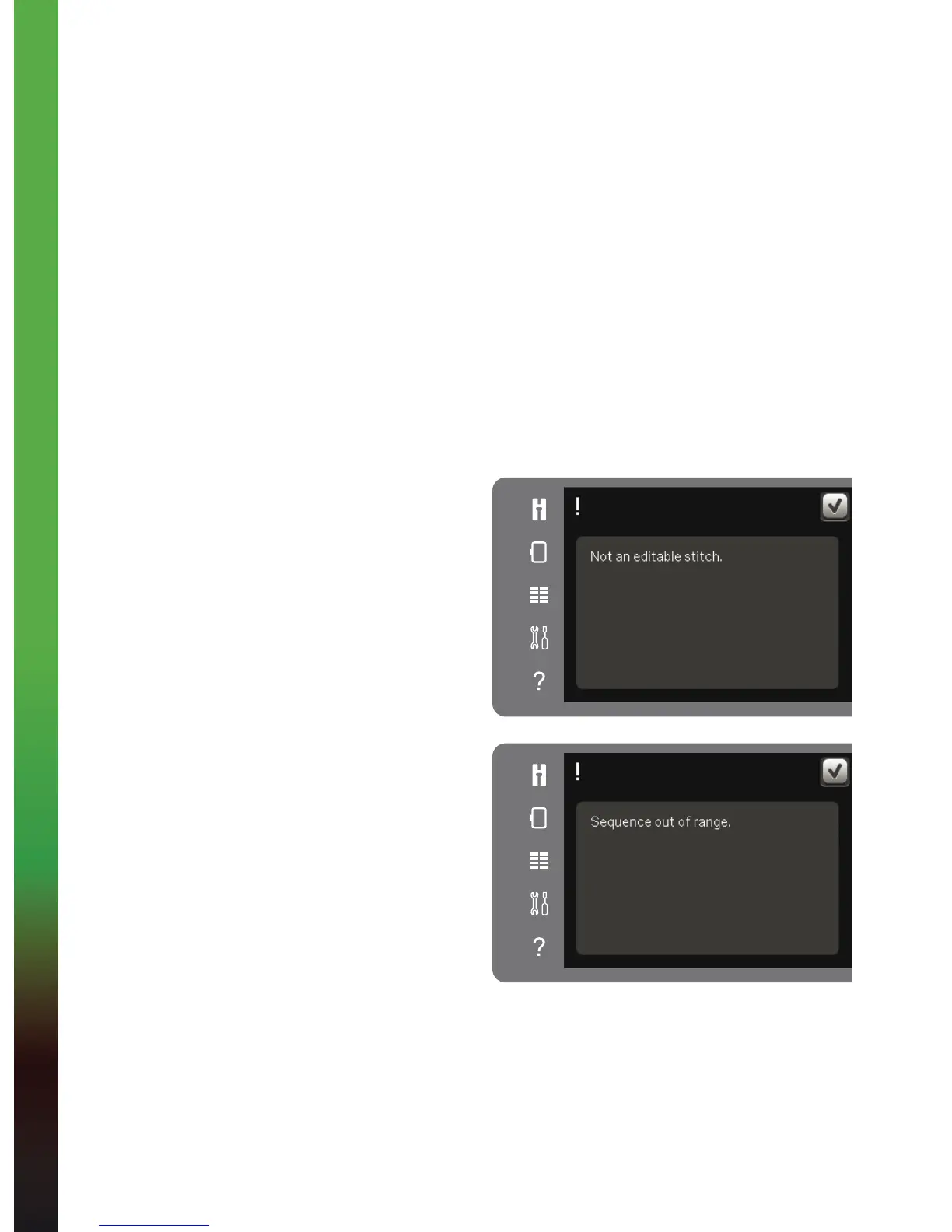
Not an editable stitch
Some stitches are not possible to insert into a
sequence, for example buttonholes.
Sequence out of range
The stitch you are trying to add will make the
sequence too long.
Your programmed stitch can be up to
approximately 500mm (20”) long and contain up to
99 stitches. If the sequence exceeds the maximum
length or number of stitches this pop-up will let you
know.









 To Next Page