Input
44
9.03.02 Selecting the user level
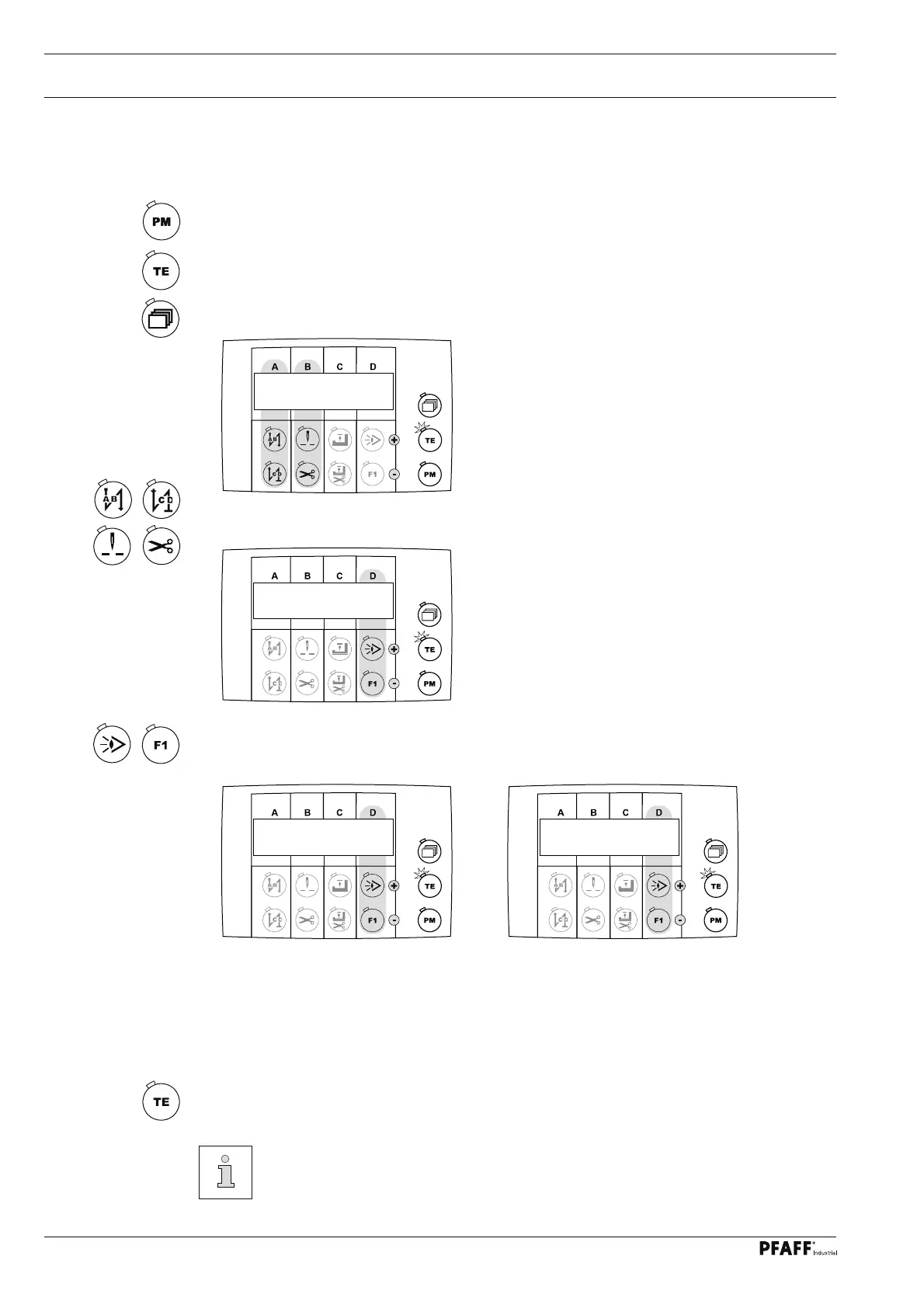
● Switch on the machine.
● Select the manual sewing mode by pressing the "PM" key (LED in the selection key is
off).
● Switch on the "TE / input" function (LED is illuminated)..
● Press the selection key until the following display appears on the screen.
● Select parameter "798" by pressing the corresponding function keys.
● The standard set value is set at "0" (= operator level "A"). Press the corresponding
function keys to select the desired user level.
Set value "0" = User level "A"
Set value "1" = Mechanic level "B"
Set value "11" = Service level "C"
The selected user level is shown next to the parameter number.
● "Switch off the "TE / input" function (LED is off).
If the main switch is switched off and on again, the machine changes back auto-
matically to user lever "A".
798b 1
798c 11
111a 8
798a 0



 To Next Page