User Information Conventions Read This First
Lumify Ultrasound System 15
Philips Healthcare 4535 618 58571_A/795 * MAY 2016
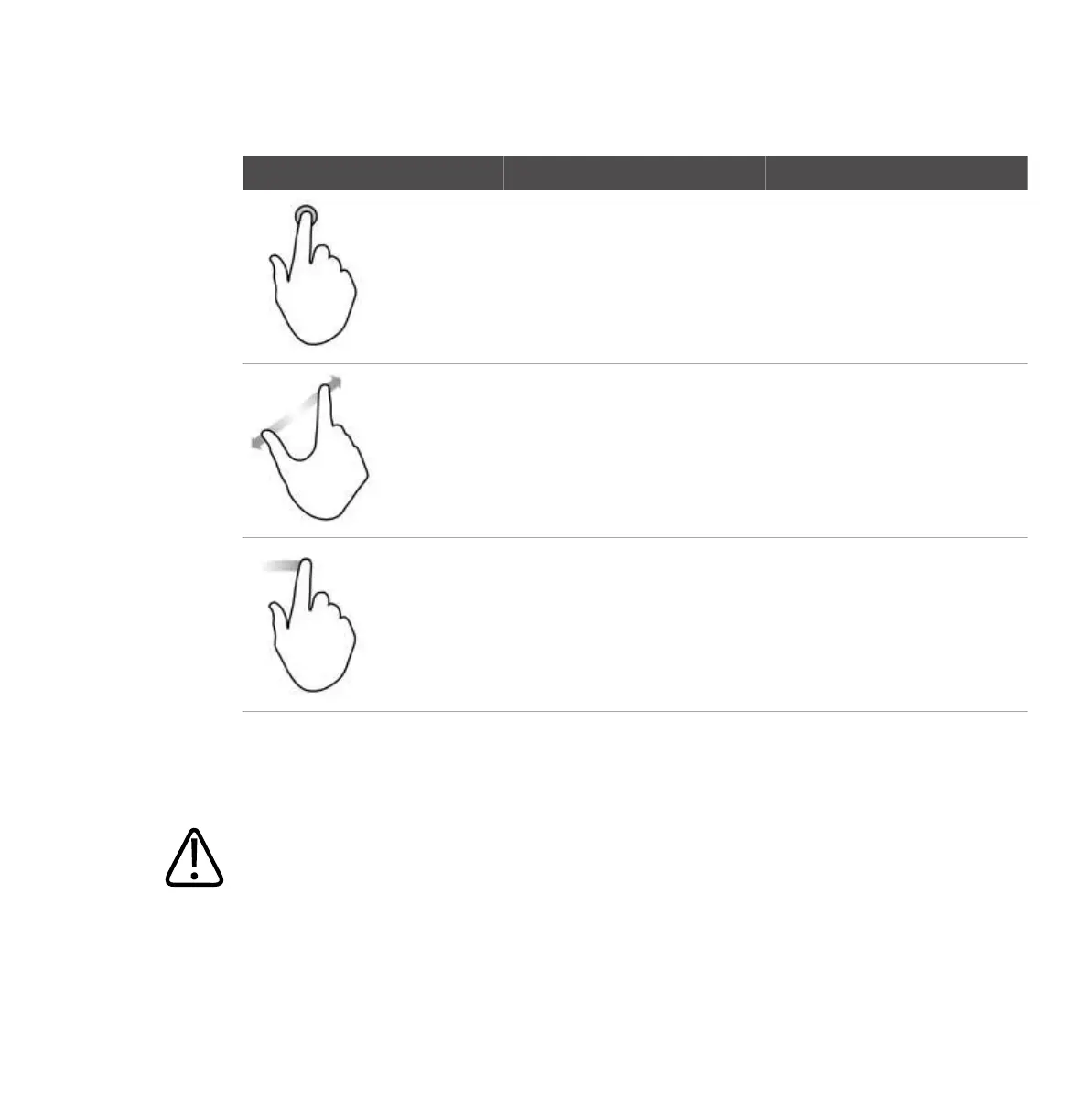
Gesture Name Description
Touch and hold Touch the screen for a short time
without moving your finger.
Spread Touch the screen with two fingers
and move them apart.
Swipe Touch the screen with your finger
and move the finger in a quick
motion right, left, up, or down.
Information that is essential for the safe and effective use of your product appears throughout
your user information as follows:
WARNING
Warnings highlight information vital to the safety of you, the operator, and the patient.



 To Next Page