Performing an Exam Starting New Exams
90 Lumify Ultrasound System
Philips Healthcare 4535 618 58571_A/795 * MAY 2016
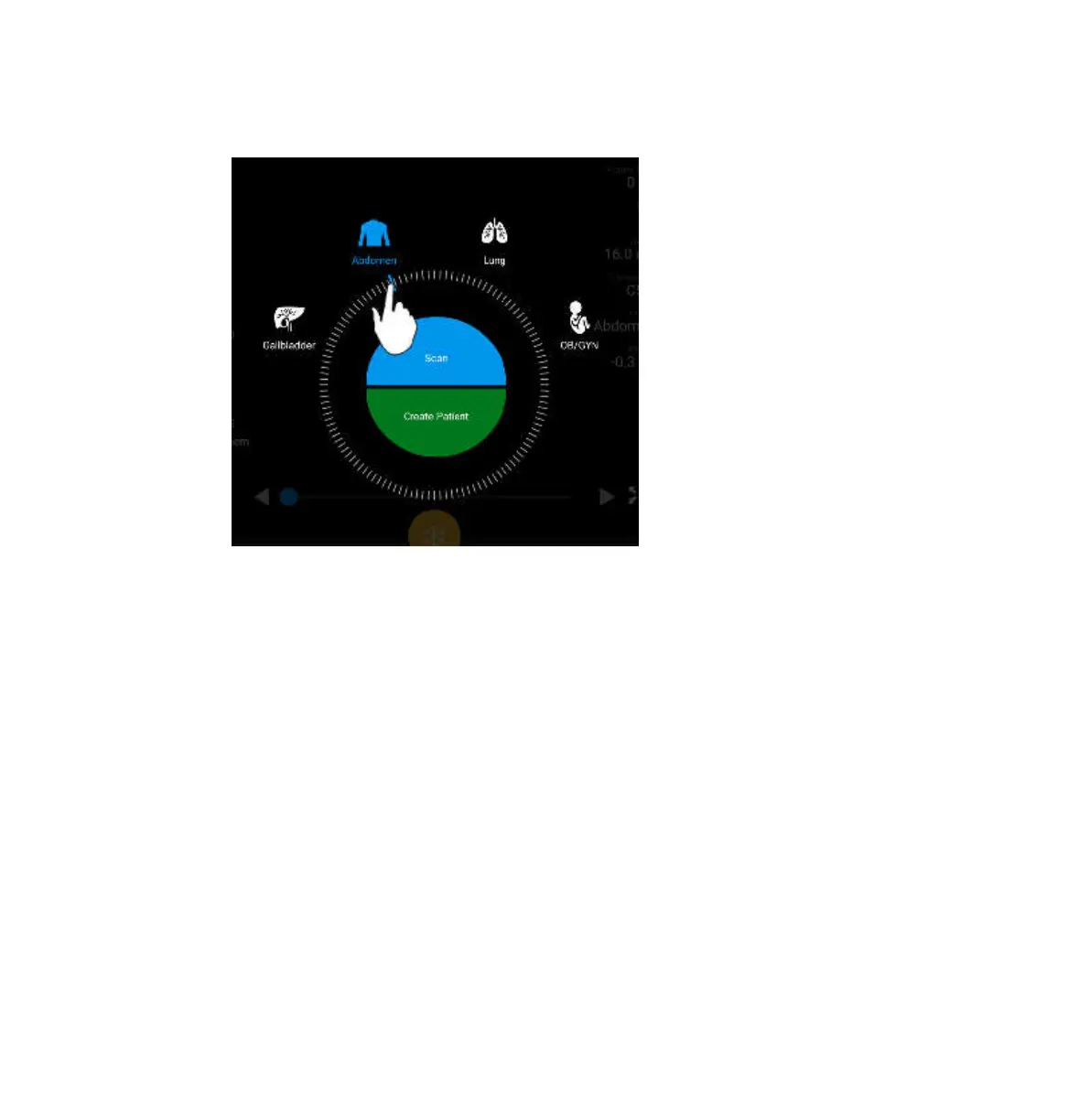
Drag the Wheel Selector to Select a Preset
2. Do one of the following:
• To create a temporary Quick ID and start scanning immediately, touch Scan. The
imaging display appears, and you can begin scanning. For more information, see
“Starting Quick Exams” on page 82.
• To manually enter patient information before you begin scanning, touch Create Patient.
To show additional Patient Info fields, select Show Detailed Form. To begin scanning,
touch Start Exam.
NOTE
The last name is required. If you do not enter a medical record number (MRN), the system
creates an MRN for the exam. If the system finds a matching MRN in the patient database, the
system completes the remaining Patient Info fields.



 To Next Page