CSA Display (CMS only)
Setting up your Monitor 3-29
Setting up your
Monitor
Main Screen
Notes on
CSA
• The CSA information is overlayed on the realtime waves at the
bottom of the Main Screen. These realtime waves disappear from
the display, but the parameters are still being monitored, and the
parameter alarms are still active.
• If CSA covers part of an overlap channel, the entire overlap channel
disappears from the display.
• If you are using a touchscreen, selecting the CSA display via touch
or mouse-click will open up the EEG Setup Task Window
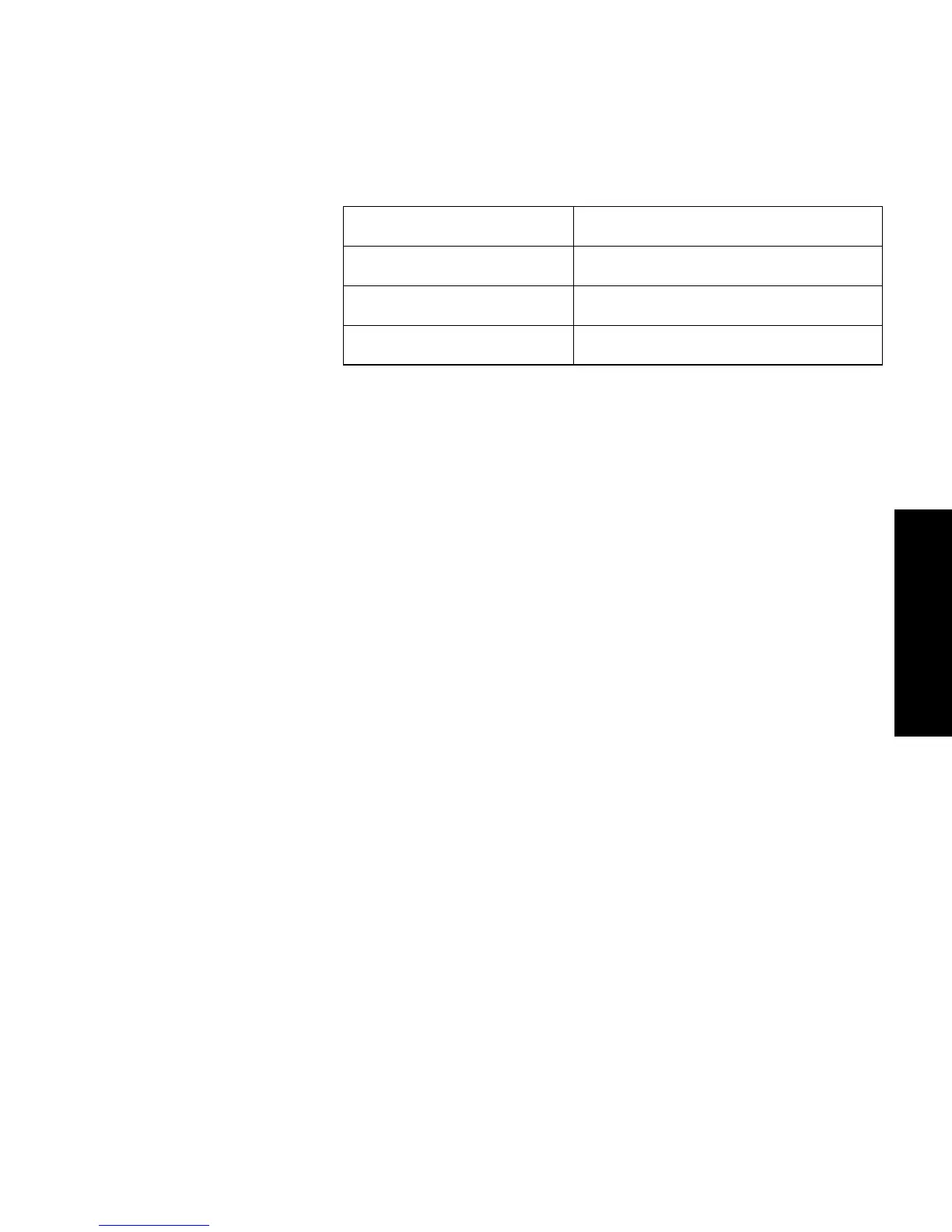
Standard Display CSA Display
4 realtime waves CSA + 2 realtime wave
6 realtime waves CSA + 3 realtime waves
8 realtime waves CSA + 4 realtime waves



 To Next Page