Procedure Recordings
Recording Functions 6-17
Recording Functions
Making
Procedure
Recordings
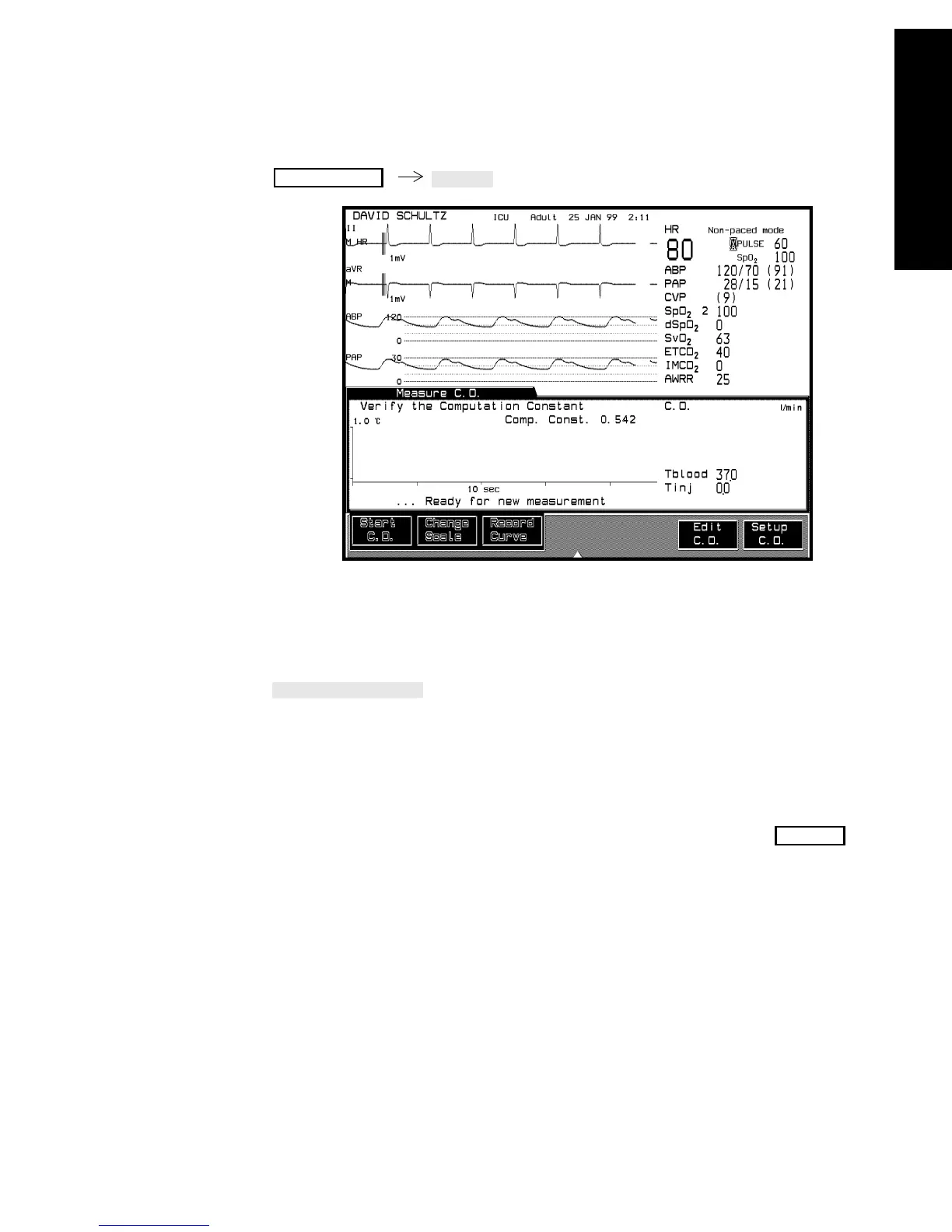
See Cardiac Output Section for details on cardiac output measurements.
When a cardiac output measurement has been made, the curve in the
Measure C.O. Task Window can be recorded by pressing
.
The recording strip shows the curve and is annotated with the date, time,
cardiac output value, computation constant, blood and injectate
temperatures.
Note—Only the most recent cardiac output curve can be recorded. Record
a curve before including it in an averaging calculation. When is
pressed, all the curves are deleted and cannot be recorded.
Procedures
Confirm



 To Next Page