Trended Vital Signs Recordings
6-32 Recording Functions
Recording Functions
Making
Trended
Vital Signs
Recordings
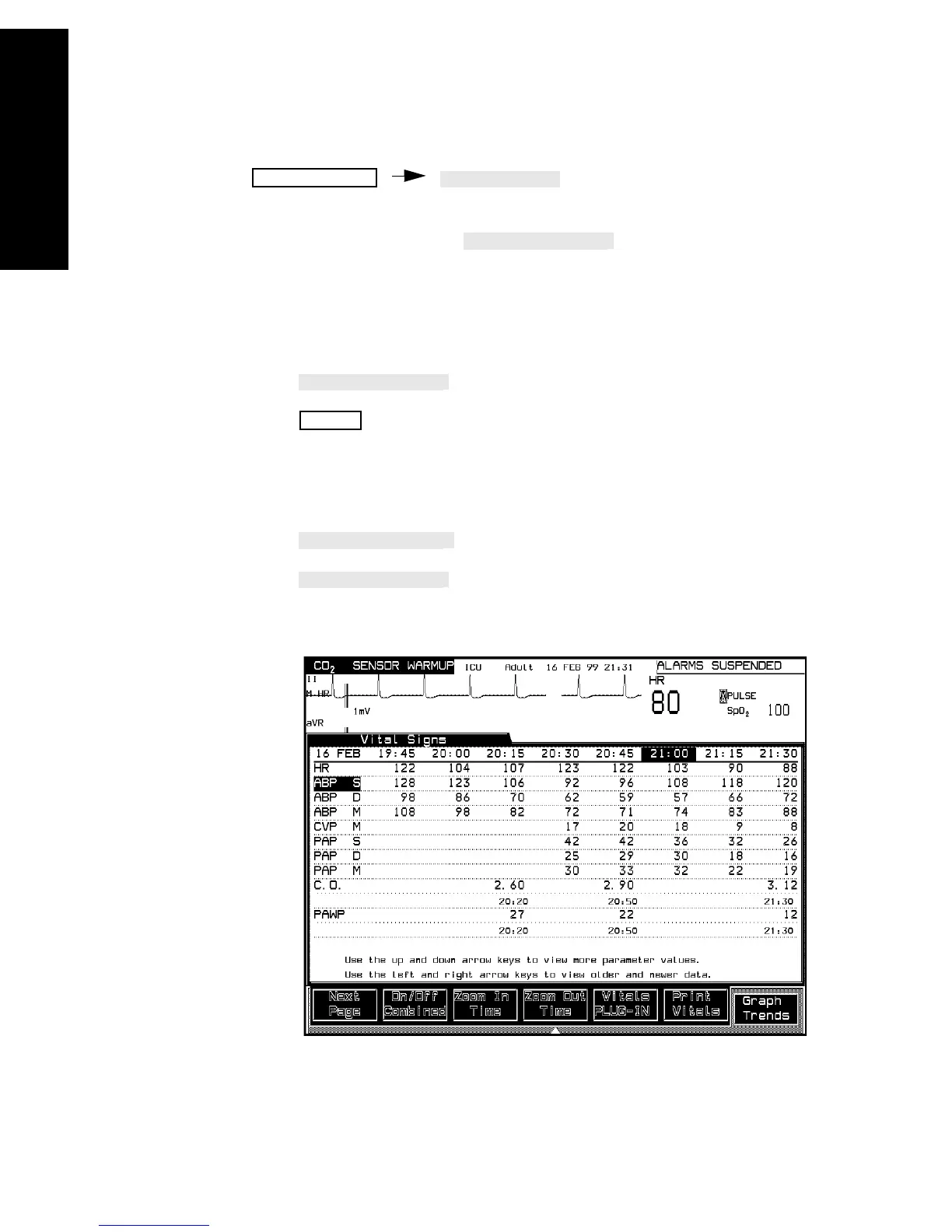
The trended data displayed in the Vital Signs task window can be
recorded by selecting the
softkey.
To stop trended vital signs recordings:
The recording can be stopped at any time by selecting:
•
in the Preset Recording task window,
• on the recorder itself or
• by beginning another procedure recording.
The time intervals and the time span can be changed by selecting:
•
and
•.
Trends / Calcs
STOP



 To Next Page