Procedure Recordings
6-16 Recording Functions
Recording Functions
Procedure Recordings
Recordings can be made during cardiac output measurements.
Configuring
Procedure
Recordings
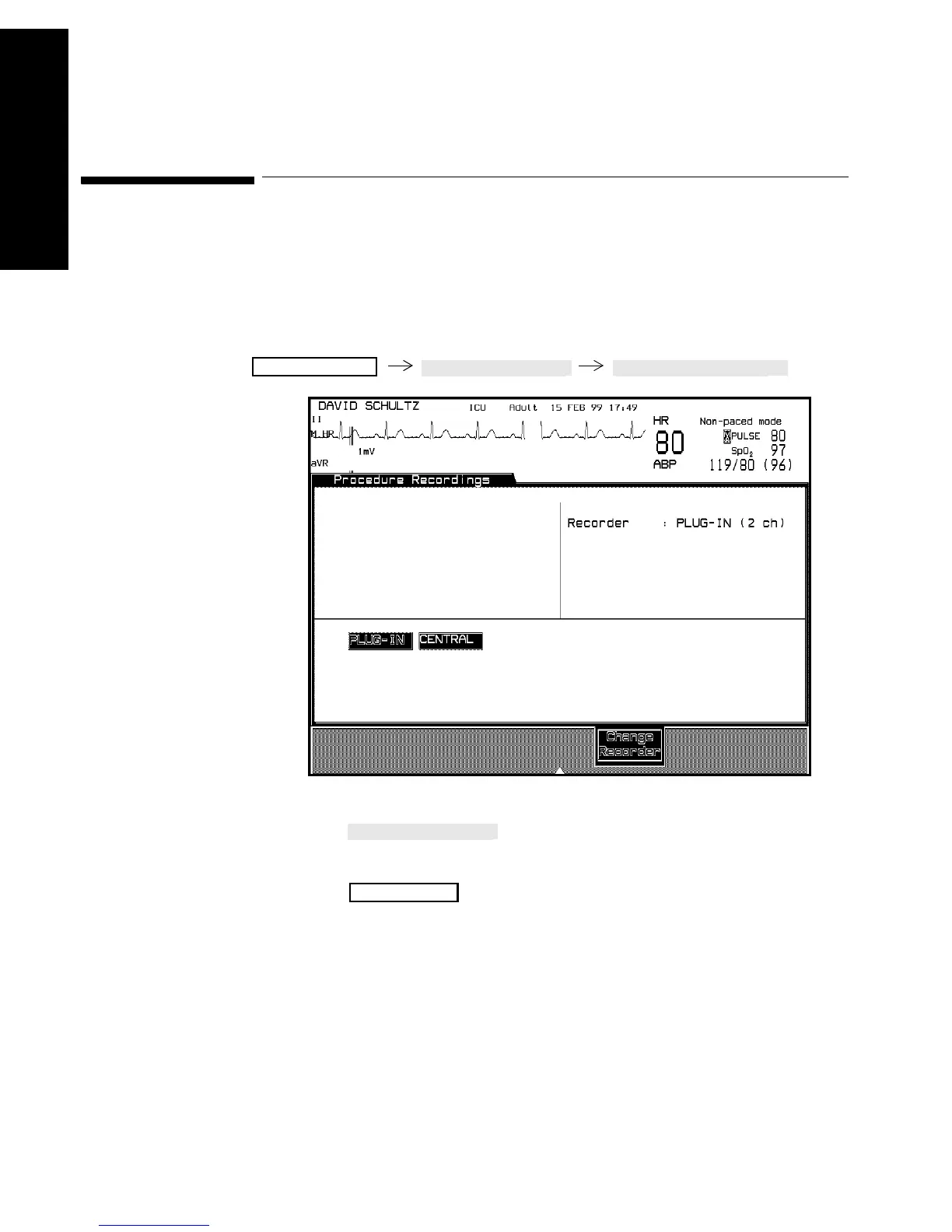
You first select the recorder which will record the curve.
1. Press to select the recorder that will produce
the recording.
2. Press to return to the standard monitoring display.
Note—To generate trended vital signs and neonatal event recordings, the
recorder selection must be set to “PLUG-IN” in the Procedure
Recordings task window.
Monitor Setup
Main Screen



 To Next Page