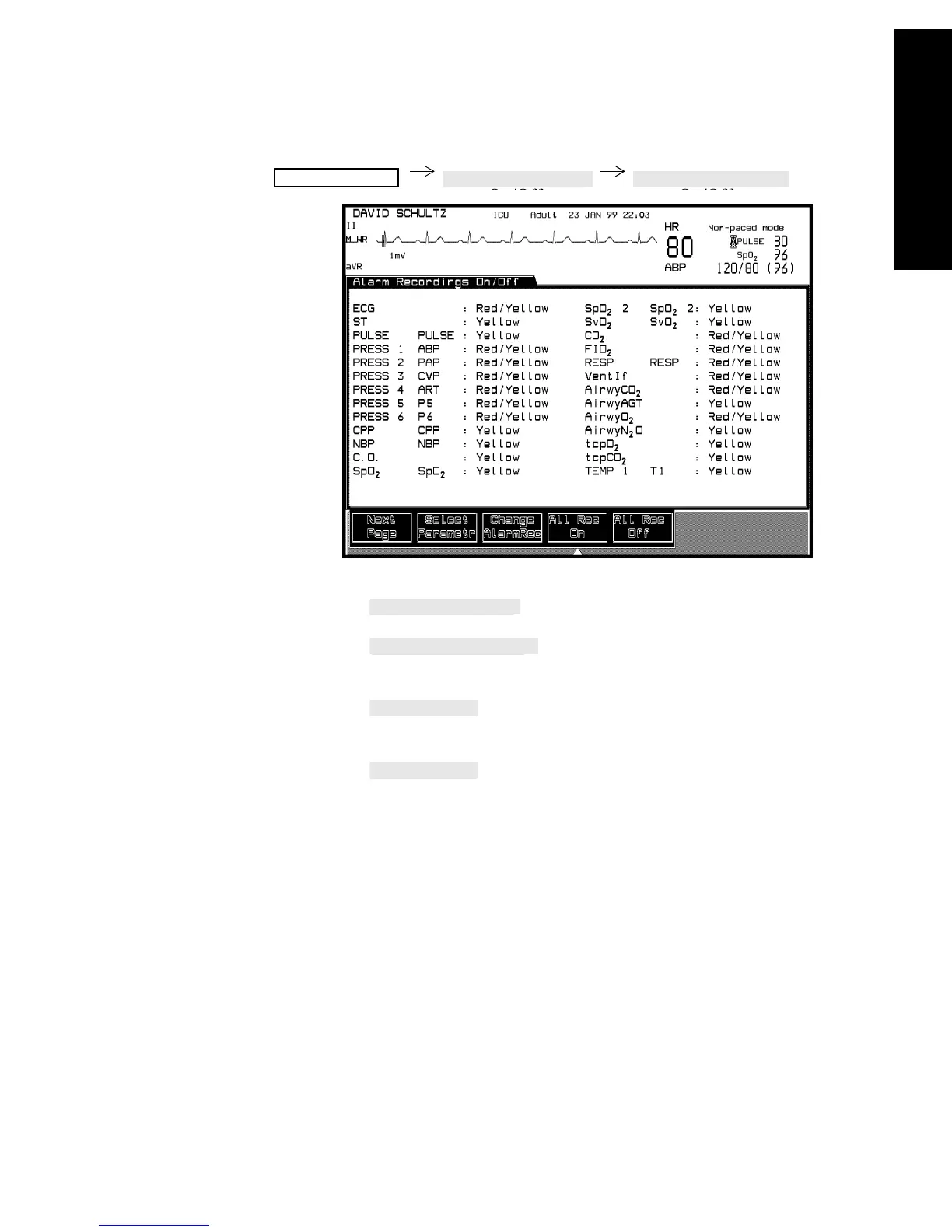
Alarm Recording
Recording Functions 6-13
Recording Functions
Configuring
Alarm
Recordings
1. Press to highlight a parameter to change.
2. Press to select the severity (Red, Red/Yellow,
Yellow, Off).
3. Press to enable recordings for all red and yellow
conditions.
4. Press for no alarm recordings.
Note—If delayed/alarm recordings are being sent to the central recorder,
the ECG alarm recording setting is displayed in the Alarm Recording On/
Off Task Window as RED/YELLOW. This setting cannot be changed
unless you choose a bedside recorder (either a Plug-In or 4-channel
bedside).
Note—The AlarmRec On/Off function must be enabled in Configuration
Mode.
Monitor Setup



 To Next Page