Selecting a Screen
3-10 Setting up your Monitor
Setting up your
Monitor
Selecting a Screen
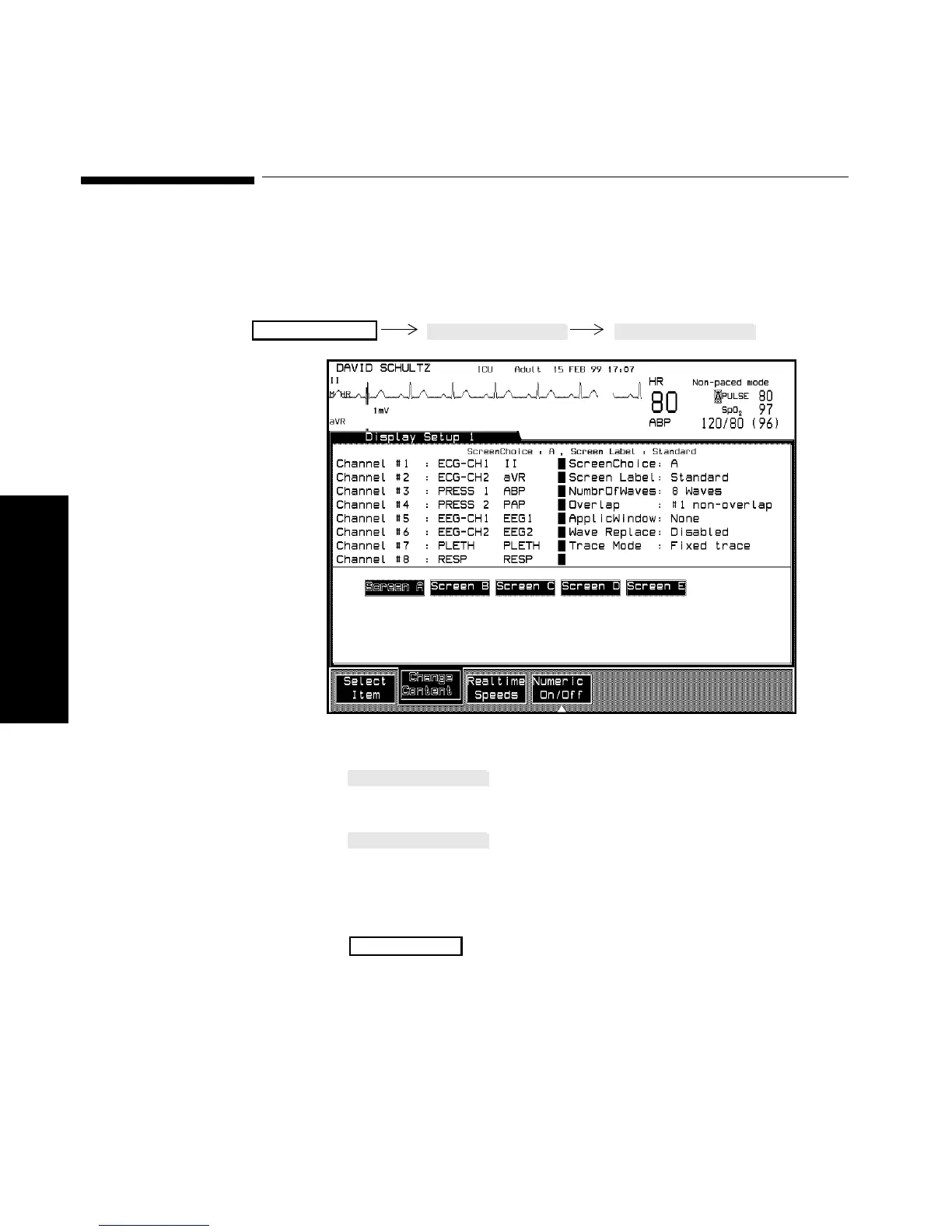
You can switch between the five available screens (A-E) in the Display
Setup Task window.
Procedure 1. Press until “Screen Choice” is selected on the
screen.
2. Press to select a screen (A-E). The selected
screen choice and its screen label will appear at the top of the
Task Window. The other items on the screen will change
depending on the configuration of the different screens
3. Press to return to the Main Screen.
Monitor Setup
Main Screen



 To Next Page