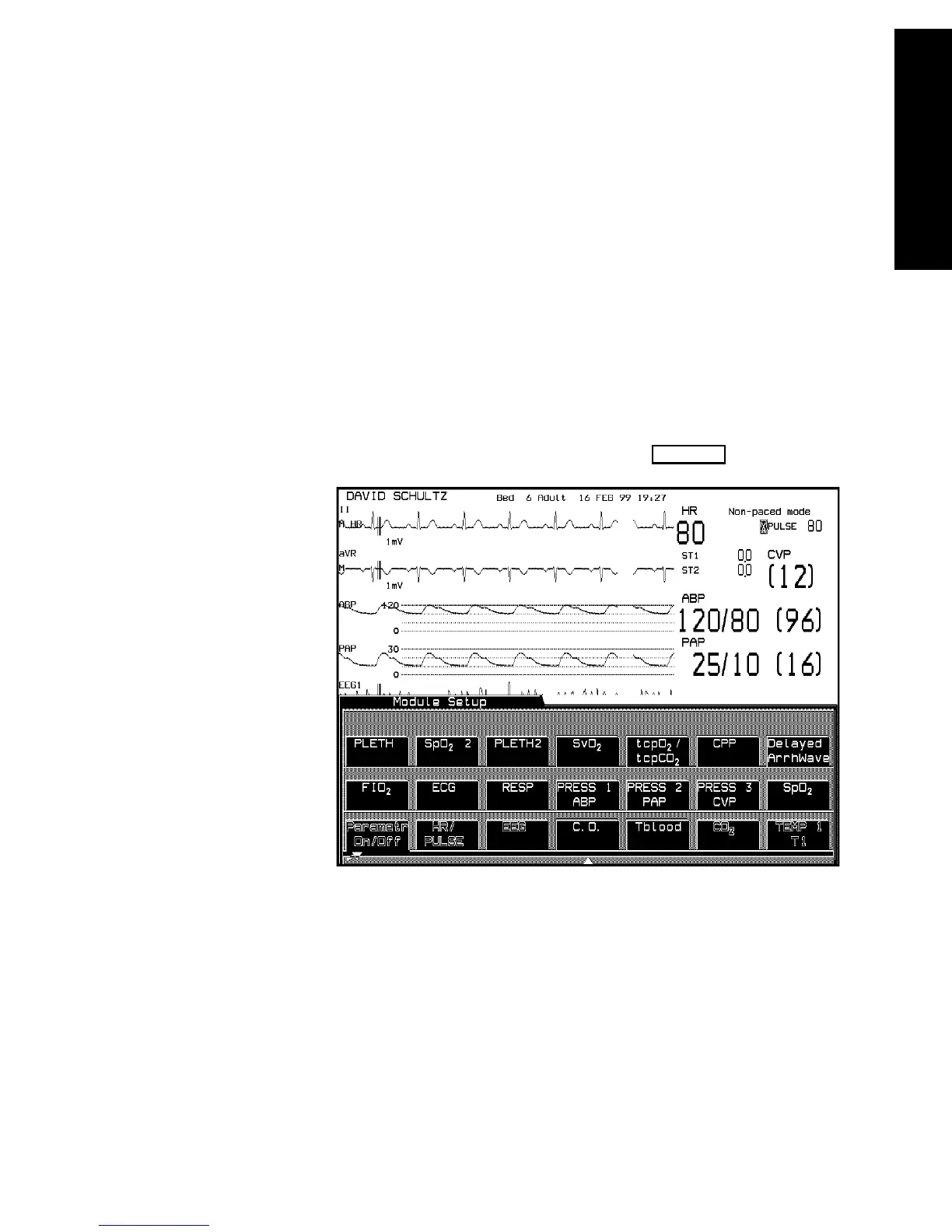
Operating Levels
The CMS and V24 and V26 Patient Monitors 1-23
The CMS and V24 and
V26 Patient Monitors
Selection
Window
This is the first operating level where you can choose a specific activity or
function.
You get into a Selection Window by pressing one of the blue-labeled
hardkeys on the control panel.
When you get into the Selection Window the bottom line is always active.
This is indicated by a bar below the keys and the yellow labeling. The
selection can be changed within the Selection Window one line at a time.
For information on how to change the selection see page 1-25.
There is also an arrow symbol in the Window that moves along the
selected line when the cursor keys are pressed. To enter the Task
Window to which the arrow is pointing, press .
Confirm



 To Next Page