Setting up the Monitor (V24 and V26 only)
2-2 Getting Started
Getting Started
Setting up the Monitor (V24 and V26 only)
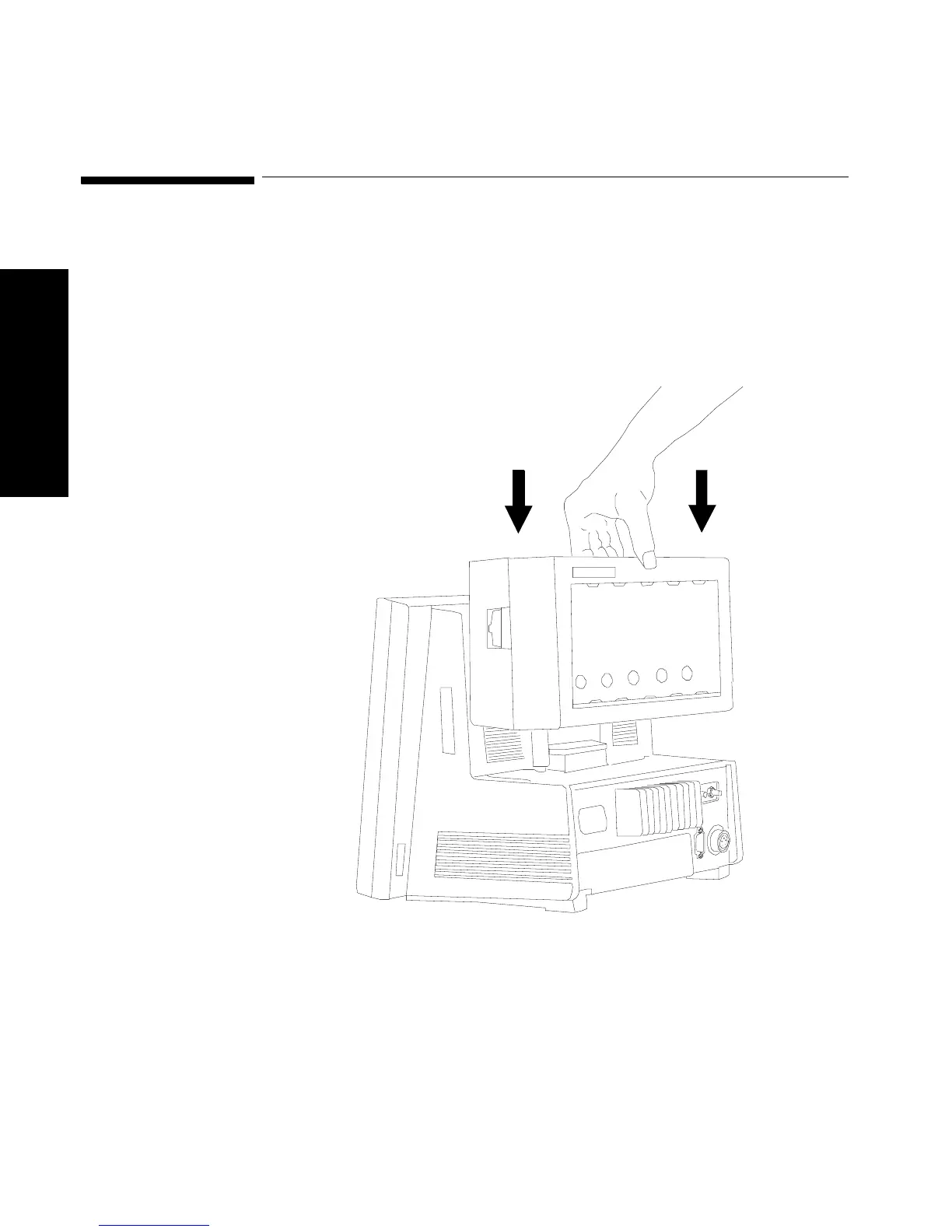
1. Attach the parameter module rack to the display module by a
cable to the connector on the left side of the display module. If you
are using the V24CT or V26CT you can attach the 6-slot rack to the
back of the mainframe display without the need for a cable. The
two components will snap or dock together.



 To Next Page