Alarm Setup
5-12 Alarm Functions
Alarm Functions
Alarm Setup
In the Alarm Limits Task Window you are able to review all of the alarm
limits that have been set for a patient. In this Task Window you are able
to turn off individual parameter alarms and adjust the limits. This means
that if you just want to adjust an alarm limit you do not have to get into
the individual parameter setups.
Getting into
the Alarms
Selection
Window
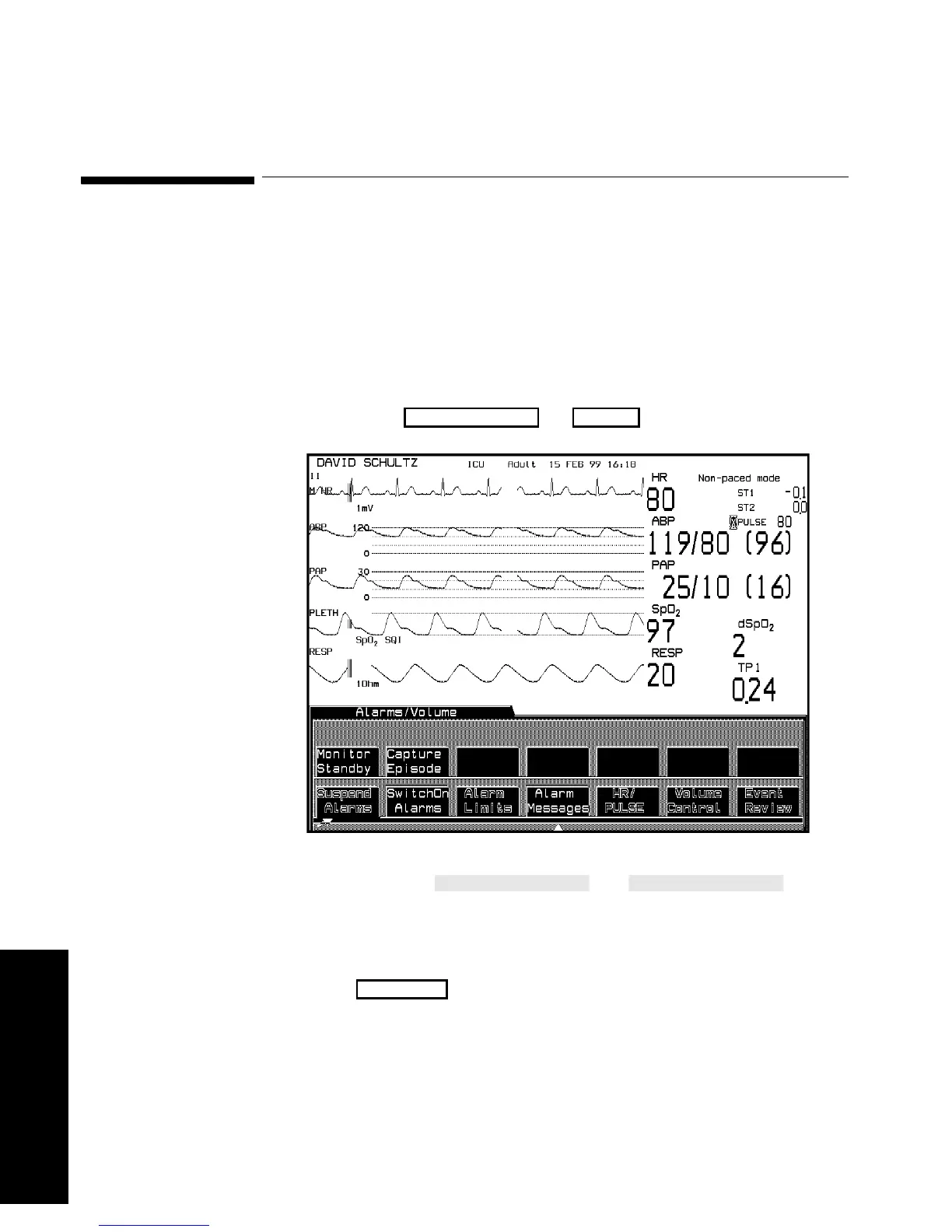
Press the hardkey or .
The first two softkeys and
function in the Selection Window. If you select one of these softkeys, its
function is performed and you are returned to the Standard Display.
(Remember, you can also suspend the alarms and switch them back on
by using the hardkey.)
Alarms/Volume
Alarm
Suspend



 To Next Page