Extended Overview (CMS only)
4-16 Other Patients
Other Patients
To View an
Extended
Other
Patients Bed
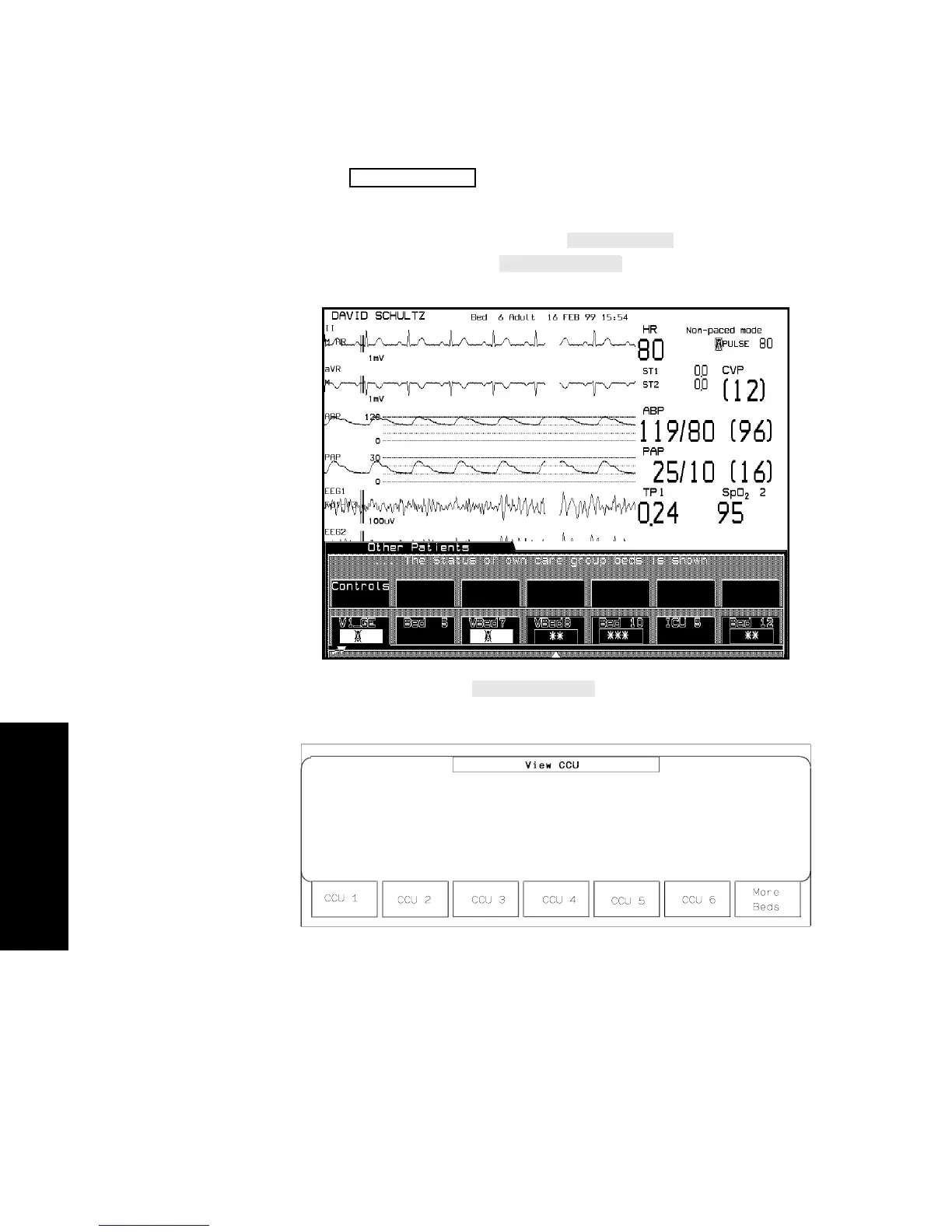
1. Press .
2. Depending on your monitor’s configuration, select a group softkey
(in the following display labeled
) to bring up bed
labels in another unit or
for bed labels in a unit
larger than 24 beds.
3. Select the bed, using
if necessary.
The Extended Overview Task Window will be displayed.
Note that only beds available on the other Philips monitoring
network can be selected.
Other Patients



 To Next Page