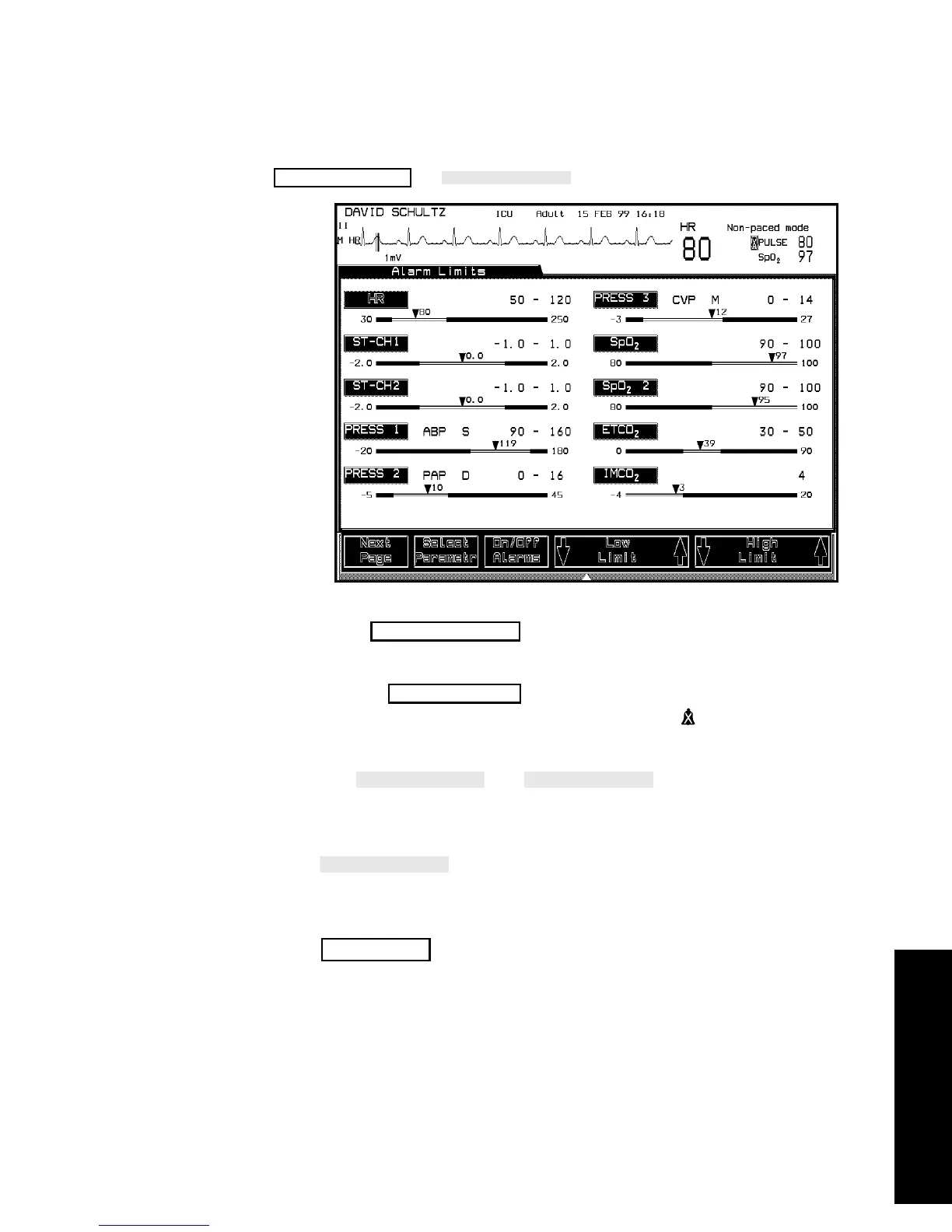
Alarm Setup
Alarm Functions 5-13
Alarm Functions
Changing
the Alarm
Limits
-->
1. Press to highlight the parameter that you want to
adjust.
2. Use the
softkey to switch the parameter's alarms
on or off. When the alarms are turned off, a appears next to the
parameter alarm limits.
3. Use and
softkeys if you want to
adjust the limits.
4. If there are more than 10 alarm bars to review, press the
softkey, and the remaining alarm bars appear on the
screen.
5. Stay in the Task Window if you want to adjust more limits or press
to return to the Main Screen.
Alarms/Volume
Select Parametr
On/Off Alarms
Main Screen



 To Next Page