Delayed Recording
Recording Functions 6-11
Recording Functions
Making
Delayed
Recordings
To initiate a delayed recording on any recorder, press Delayed Record.
On the Plug-In recorder only, press RUN/CONT.
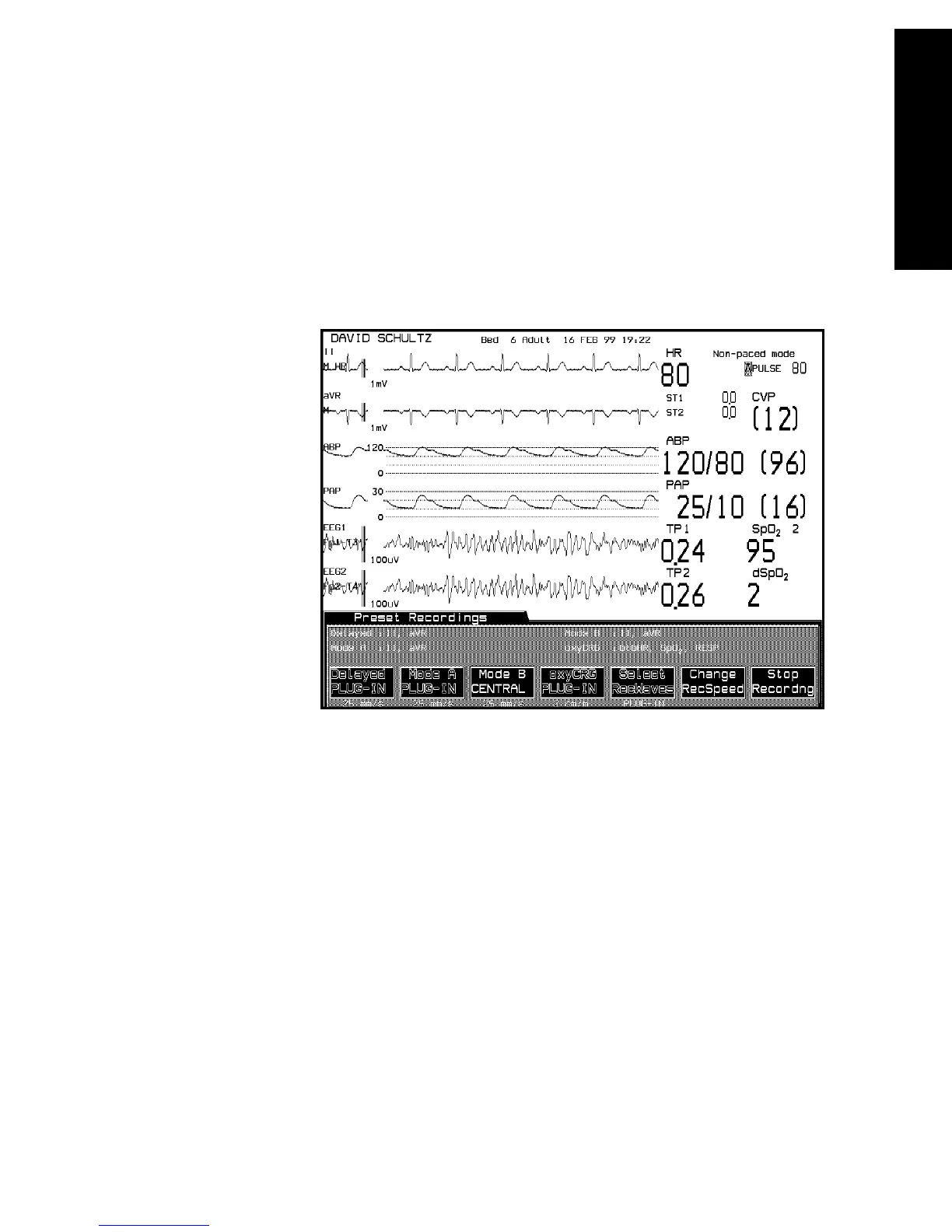
Delayed recordings can also be initiated from the Preset Recordings Task
Window. Here, the waves pre-selected for a delayed recording are
identified above the Delayed softkey label.
Note—If a delayed recording is configured so that it is produced on a Plug-
In recorder or a 4-Channel Bedside Recorder, alarm recordings are also
produced on this recorder. If the specified recorder is inoperable for any
reason, the alarm recording is re-routed to the central recorder.
(Remember that arrhythmia alarms are always recorded at the central
recorder.)



 To Next Page