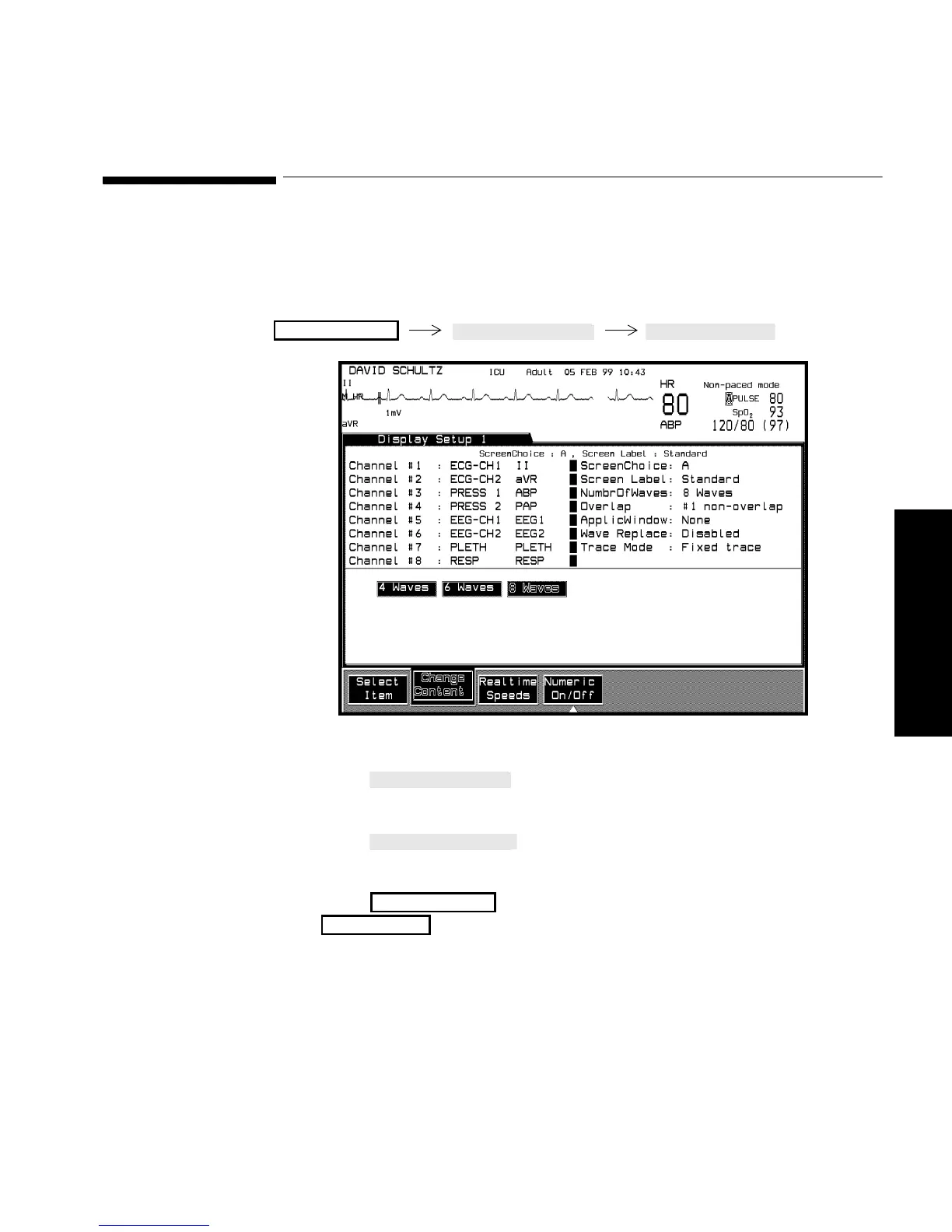
Selecting the Number of Waves
Setting up your Monitor 3-13
Setting up your
Monitor
Selecting the Number of Waves
You can select how many waves you want displayed on the screen (within
the capabilities of the model you have ordered).
Procedure 1. Press until “NumbrOfWaves” is selected on the
screen.
2. Press
to choose 4, 6, or 8 waves to be displayed
depending on your model.
3. Press to return to the Selection Window or
to return to the main screen.
Monitor Setup
Monitor Setup
Main Scree



 To Next Page