Selecting Screen Labels for Realtime Display Screens
Setting up your Monitor 3-11
Setting up your
Monitor
Selecting Screen Labels for Realtime Display Screens
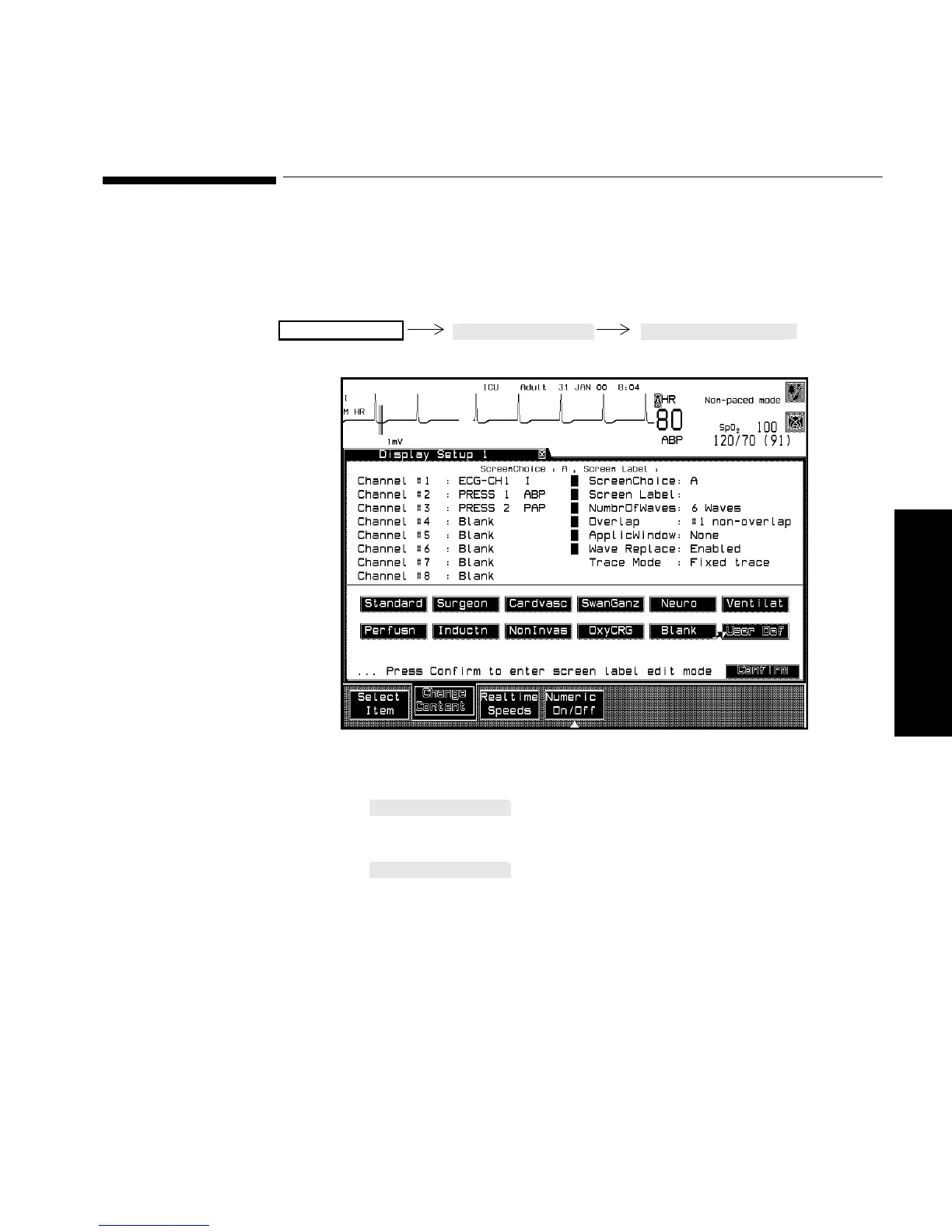
A screen label may be selected for a realtime display screen. There are
eleven choices.
Procedure 1. Press until “Screen Label” is selected on the
screen.
2. Press to select the key label that you require. The
choices are:
a. Neuro
b. Cardvasc
c. SwanGanz
d. Standard
e. Ventilat
f. Perfusn
g. Surgeon
Monitor Setup



 To Next Page