Realtime Wave Recordings
6-22 Recording Functions
Recording Functions
Making
Preset
Recordings
if available ,
, or .
Making Non-
Preset
Recordings
if available.
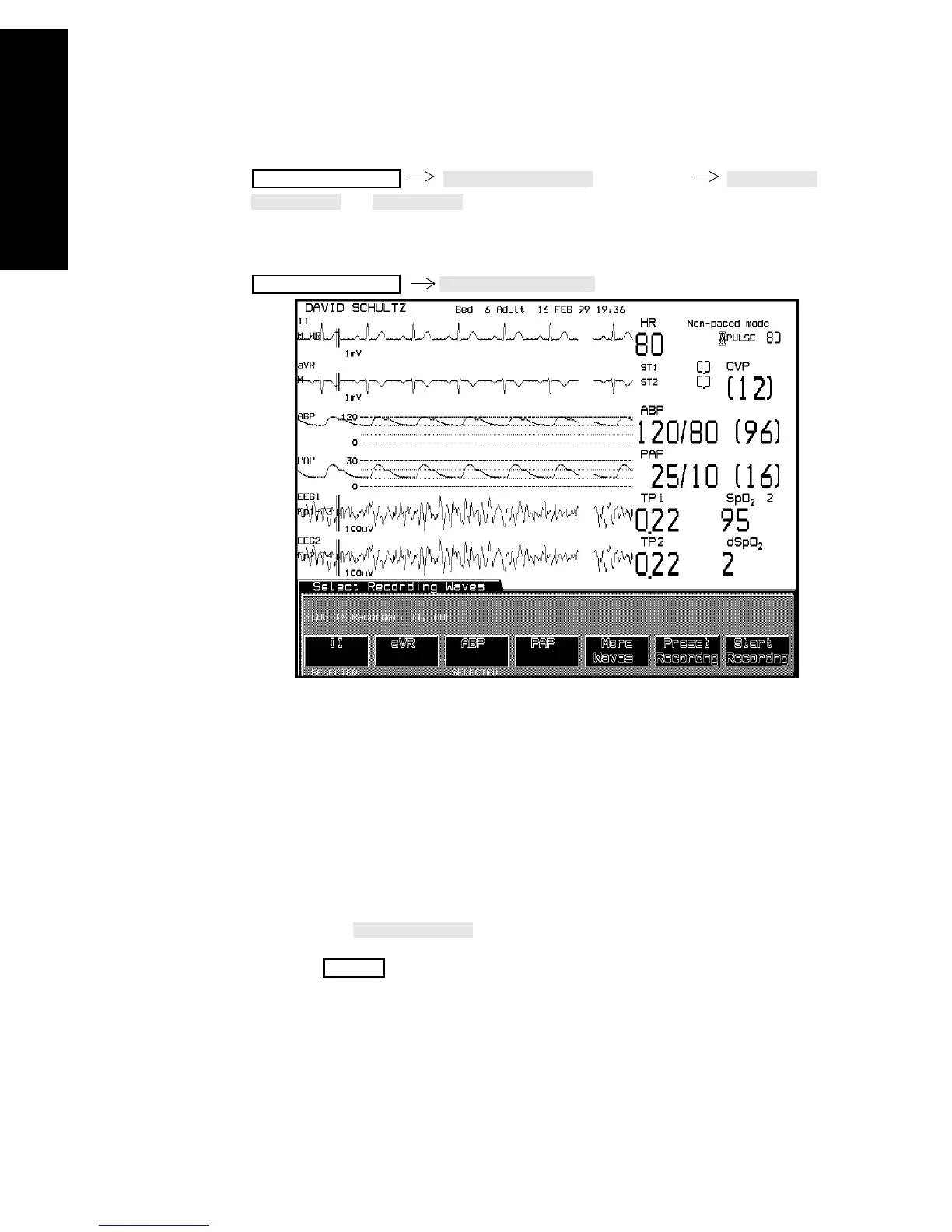
Select the wave(s) to be recorded.
Selected waves are identified in the window after the recorder name in
the order they were selected. Each wave that is selected is also
identified below the key label.
The recording is always continuous, running at 25 mm/s in non-
overlapped mode.
To stop realtime recordings:
either press .
or press on the recorder.
All realtime non-configured recordings must be stopped manually.
Realtime Record
Realtime Record
STOP



 To Next Page