Realtime Vital Signs / Blood Recordings
Recording Functions 6-27
Recording Functions
Making a
Single Vital
Signs/Blood
Recording
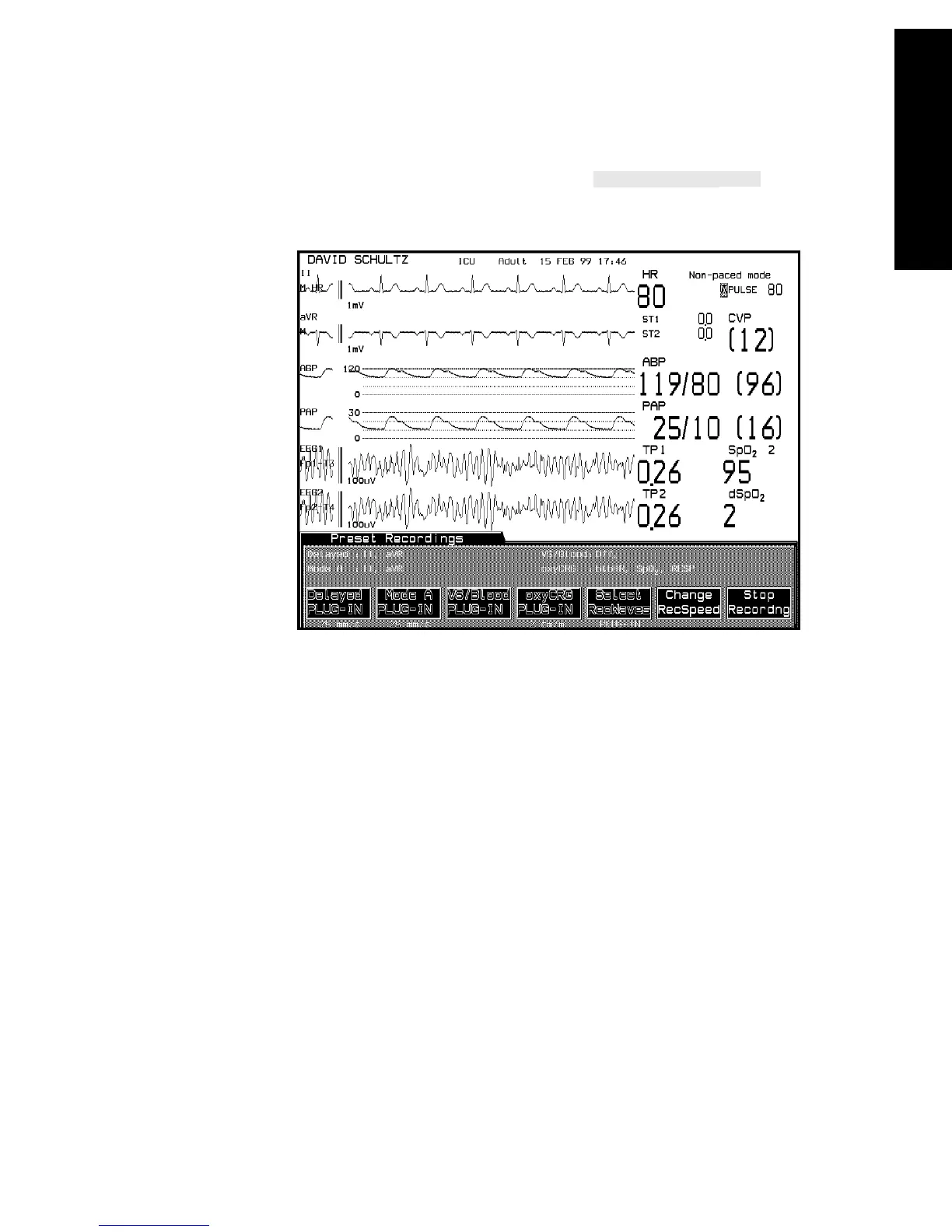
If your monitor is configured to have a softkey in the
Preset Recordings Task Window, you can initiate a single vital signs or
blood recording.
Making
Timed
Sequences
of Vital
Signs/Blood
Recordings
An automatic sequence of vital signs / blood recordings can be enabled or
disabled in monitoring mode in the Vital Signs/Blood Recording Task
Window under Monitor Setup/Recorder Setup. You can also determine
whether vital signs recordings will be initiated on an NBP measurement, a
blood analysis measurement, at a specific time interval, or any
combination of the above.
New configuration choices become effective when you leave the Vital
Signs / Blood Recording task window. Any recordings currently active
will be completed using the old choices, and the next recording will use
the new configuration.
The settings for vital signs / blood recordings are displayed in the Preset
Recordings Task Window above the softkey labels
VS/Blood PLUG-IN



 To Next Page