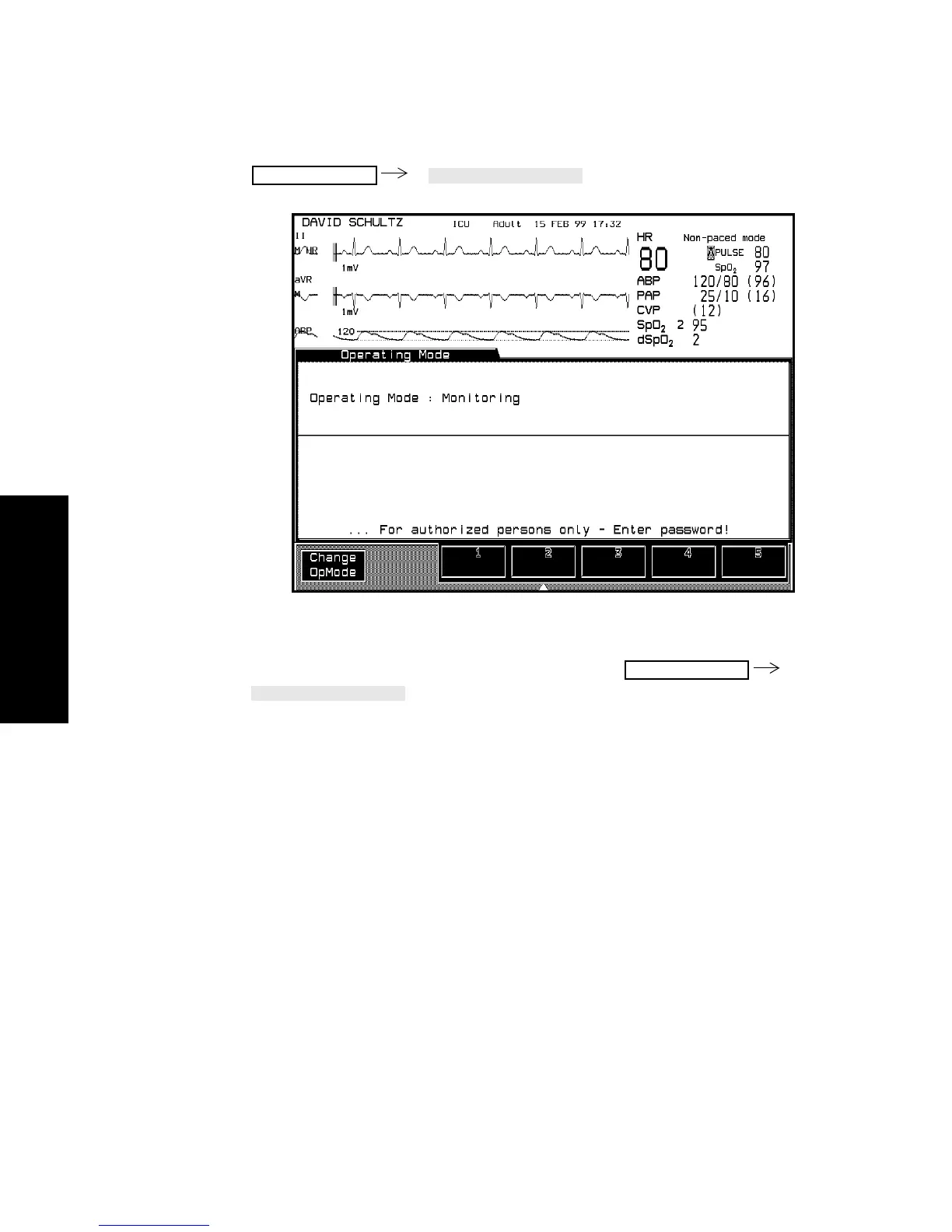
Changing Operating Modes
3-56 Setting up your Monitor
Setting up your
Monitor
Returning to
Monitoring
Mode
To exit Config, Demo or Service Mode, press
. This will return you to Monitoring Mode without
having to enter a password.
It is also possible to exit demo mode by powering down and restarting
the monitor.
Monitor Setup
Monitor Setup



 To Next Page