Delayed Recording
6-10 Recording Functions
Recording Functions
For Central
Recorders
→ .
1. Select the central recorder in the Delayed/Alarm Recording Task
Window (see steps 1-3 for Plug-In and 4-Channel Bedside
Recorders above).
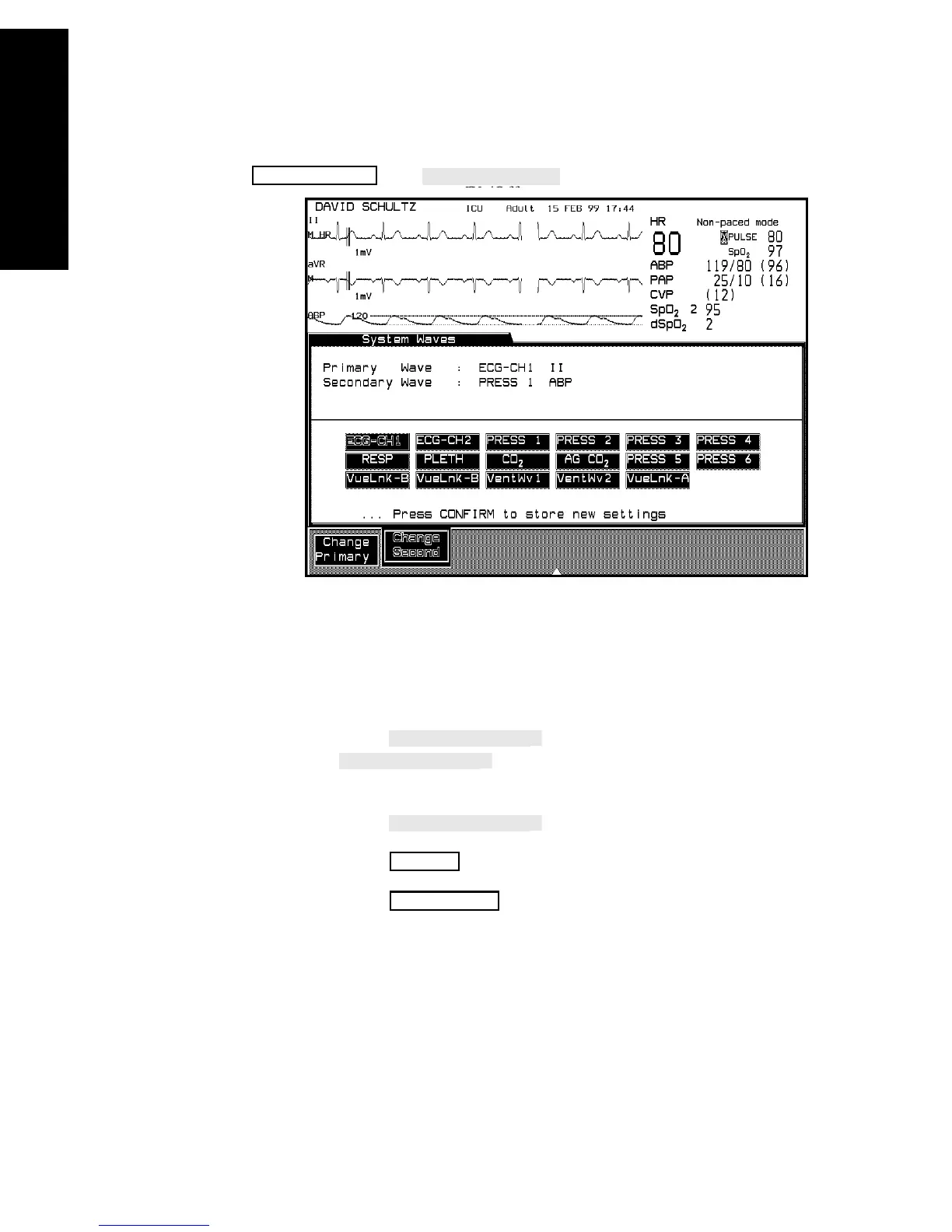
2. Select the waves in the System Waves Task Window
a. Press to select the primary wave. The
key does not function if an ECG wave is
available. In this case the primary wave is always ECG-CH1.
b. Press to select secondary wave.
c. Press to store the selected wave.
d. Press to return to the standard monitoring
display.
Monitor Setup
Confirm
Main Screen



 To Next Page