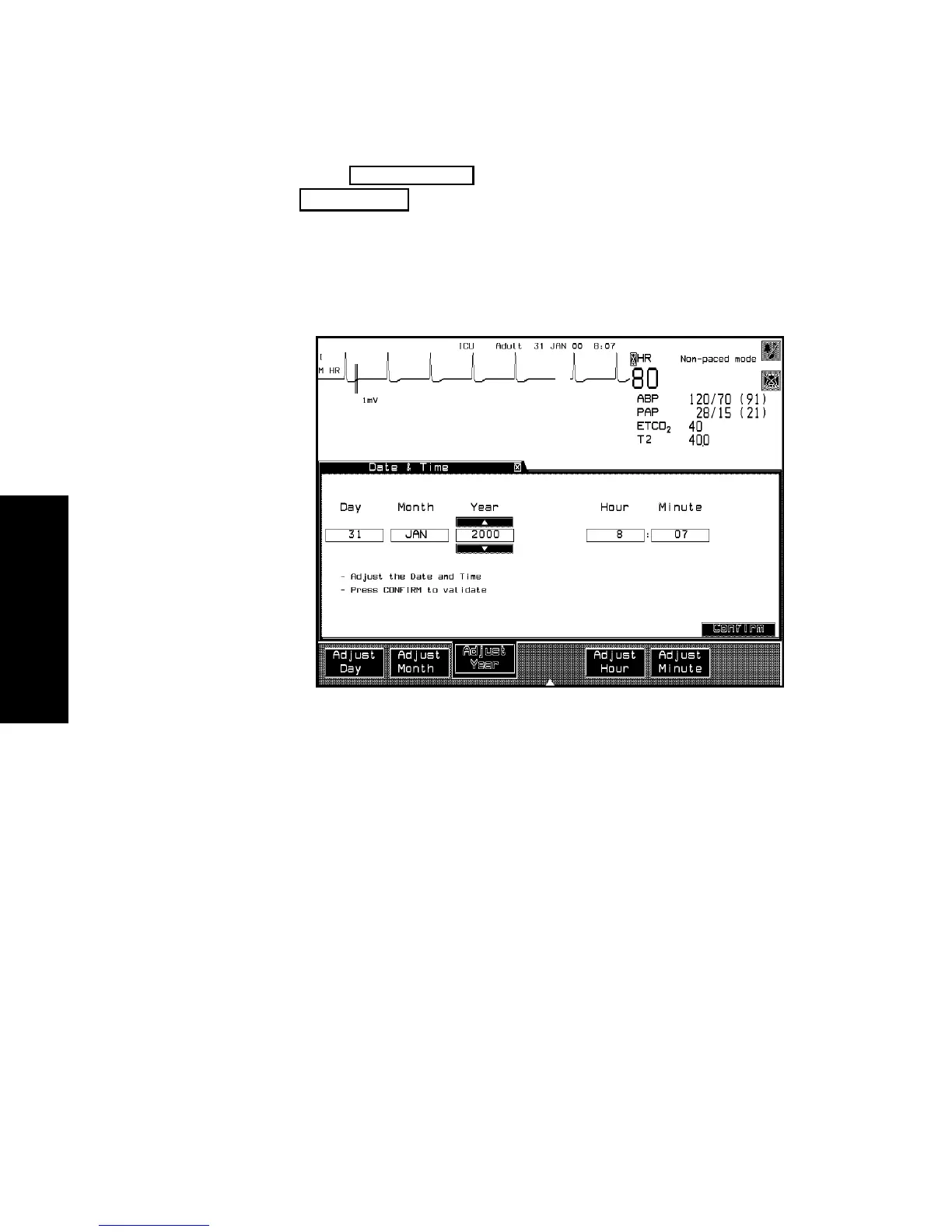
Adjusting the Date and Time
3-38 Setting up your Monitor
Setting up your
Monitor
3. Press to return to the Selection Window or
to return to the Main Screen.
Note—If you are using a touchscreen display, arrow buttons will appear
above and below the date and time fields. These can be selected to
adjust the date and time instead of pressing the arrow keys.
Monitor Setup
Main Screen



 To Next Page