Loading Paper
Recording Functions 6-51
Recording Functions
If the Paper is
Loaded
Backwards
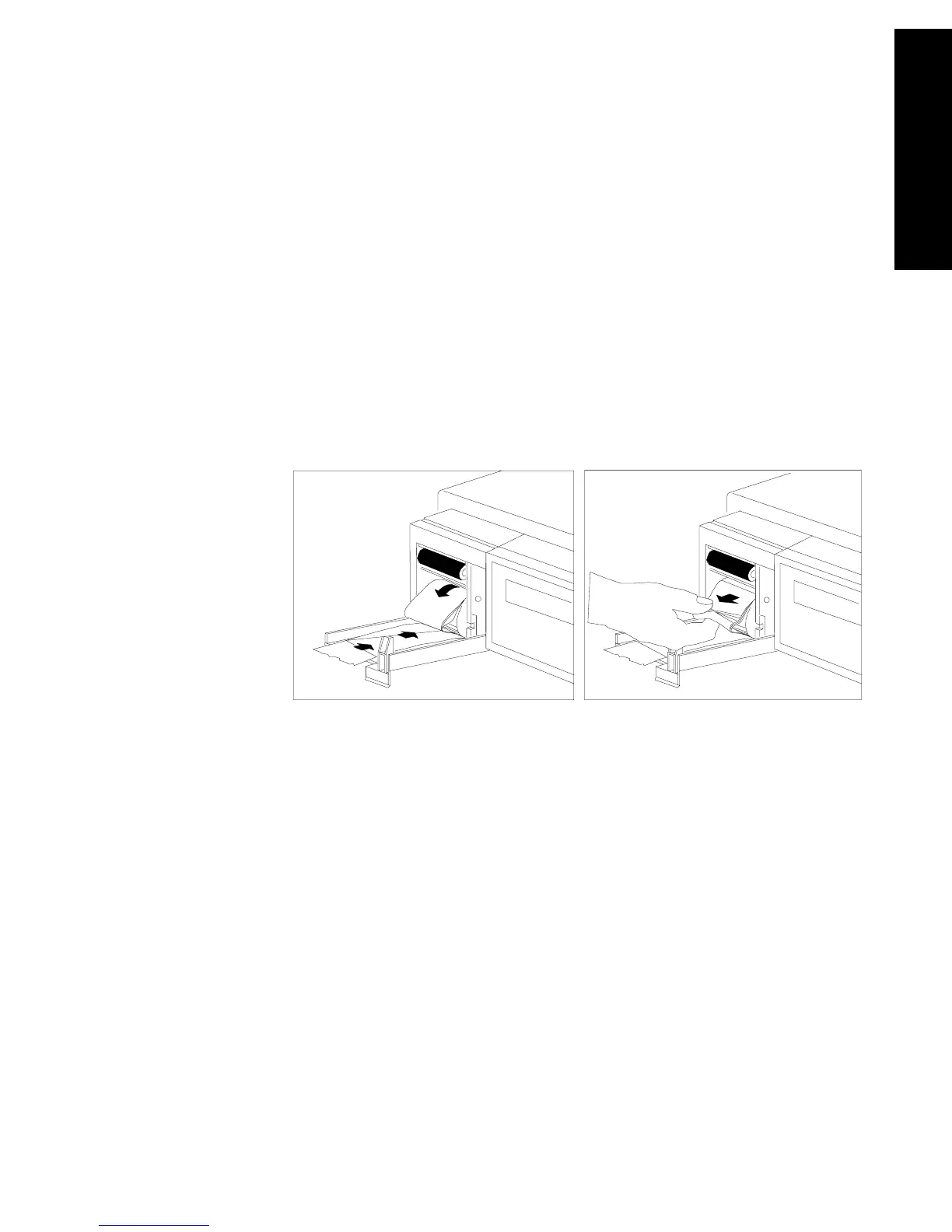
If you have loaded the paper backwards, to remove the roll, do the
following:
1. Tear off paper, then open recorder door.
2. Pinch paper at shelf below roller, and pull paper off of roller (see
illustration below).
3. Gently push excess paper back onto paper roll.
4. With paper rolled loosely, pinch several thicknesses of the loose
paper with your fingers at front of roll, and pull roll out from
recorder. Tear off any damaged paper before attempting to reload
(see illustration below).



 To Next Page