Admitting a Patient
7-6 Admit/Discharge/End Case
Admit/Discharge/End
Case
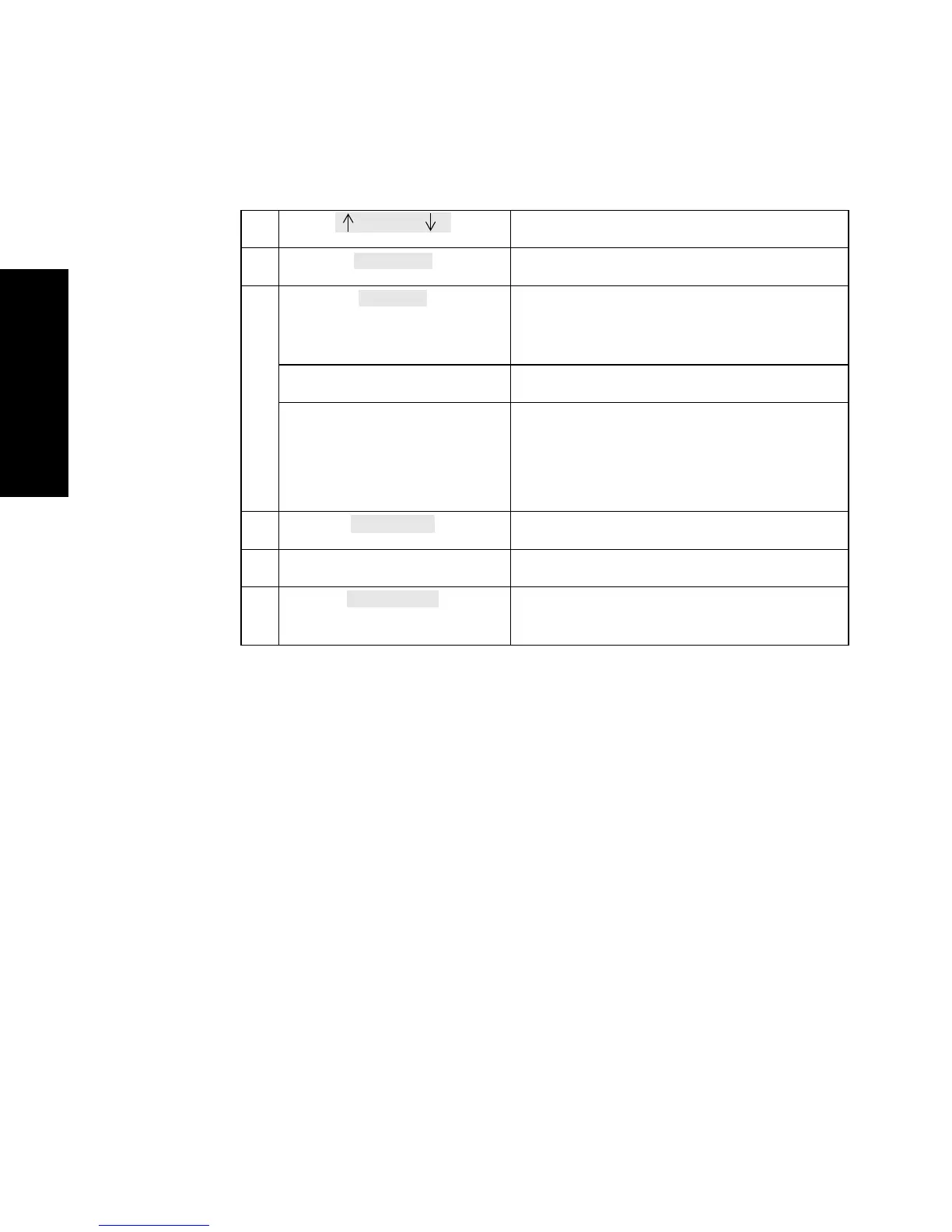
Moves the cursor up and down
erases the input of a whole line
V24 and V26 only
toggle key to switch between Numeric and
Alphabetical input. The actual input mode
is shown above the key (ABC or 123)
left and right cursor key select the digit on a line to enter or change
up and down cursor key in numeric mode the selected digit of a
number is increased or decreased
in alpha mode the selected digit of a string
changes in alphabetical order
prints the patient information
confirm key stores the whole line
(on touchscreens only)
calls up touchboard for alphanumeric data
entry
Select Line
Print Adm



 To Next Page