Viewing Patient Data
8-8 Trends and Calculations
Trends and
Calculations
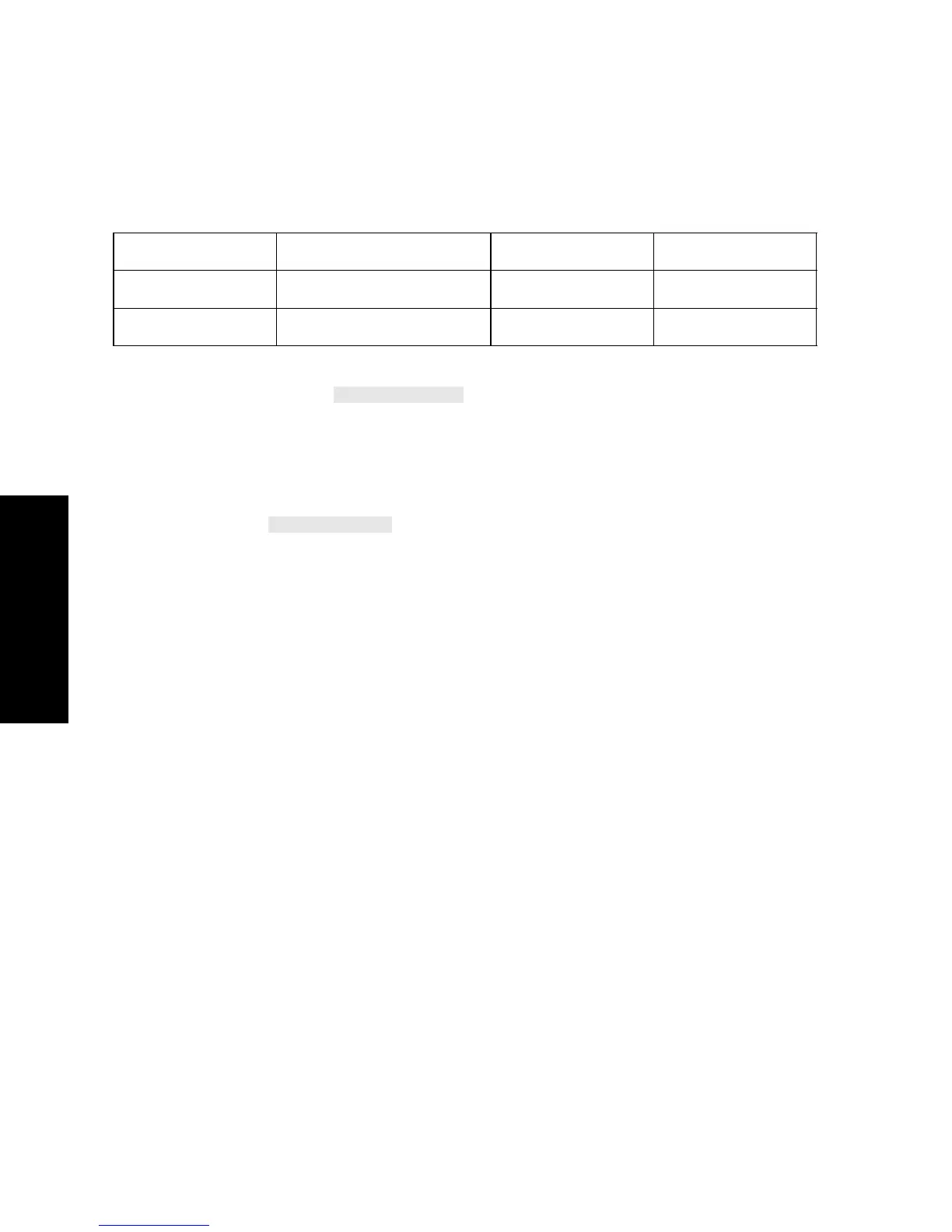
The table below describes how reference ranges appear on
monochrome and color displays.
Cross-
Connection to
Vital Signs
When the
key is pressed in the Blood Review Task
Window, the Vital Signs Task Window opens up and the column closest
in time to the column selected in the Blood Review Task Window is
selected. This allows viewing of vital signs stored at the time with the
best fit to the time of the blood analysis.
A softkey is also available in the Vital Signs window to
return to the Blood Review Task Window. If you select another column
in the Vital Signs Task Window before returning to the Blood Review
Task Window, the cursor is positioned on the time column closest to
your selection.
Status Monochrome Display Color Display Printout
Inside Range Full intensity White Normal print
Outside Range Inverse full-intensity Yellow Bold print



 To Next Page