Viewing Neonatal Events
Neonatal Event Review 9-9
Neonatal Event
Review
Event
Numerics
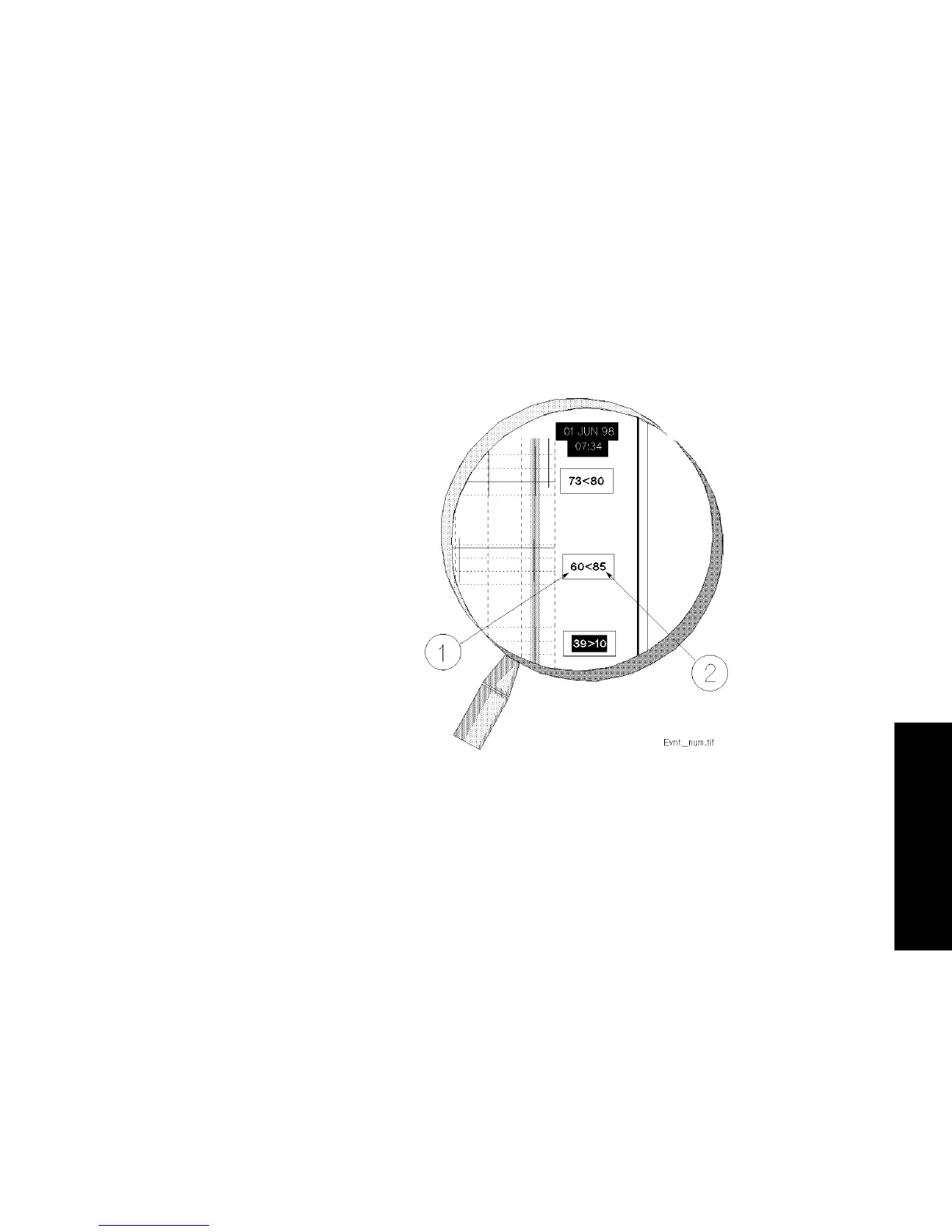
When the cursor is moved onto an event bar, specific numerical data for
that event is displayed in the three boxes on the right hand side of the
task window.
The background of one of the three boxes is always highlighted. This
indicates which one of the parameters triggered the capture of the event.
Note—When an event is captured manually, all boxes contain the word
“Manual” and no box is highlighted.
(1) This value represents the most severe value during an event.
(2) This value represents the trigger threshold which was valid at the time
that the event was captured. The value is defined by an alarm limit or
specifically by the user.



 To Next Page