Performance Assurance Checks
13-14 Maintenance
Maintenance
Procedure
Overview
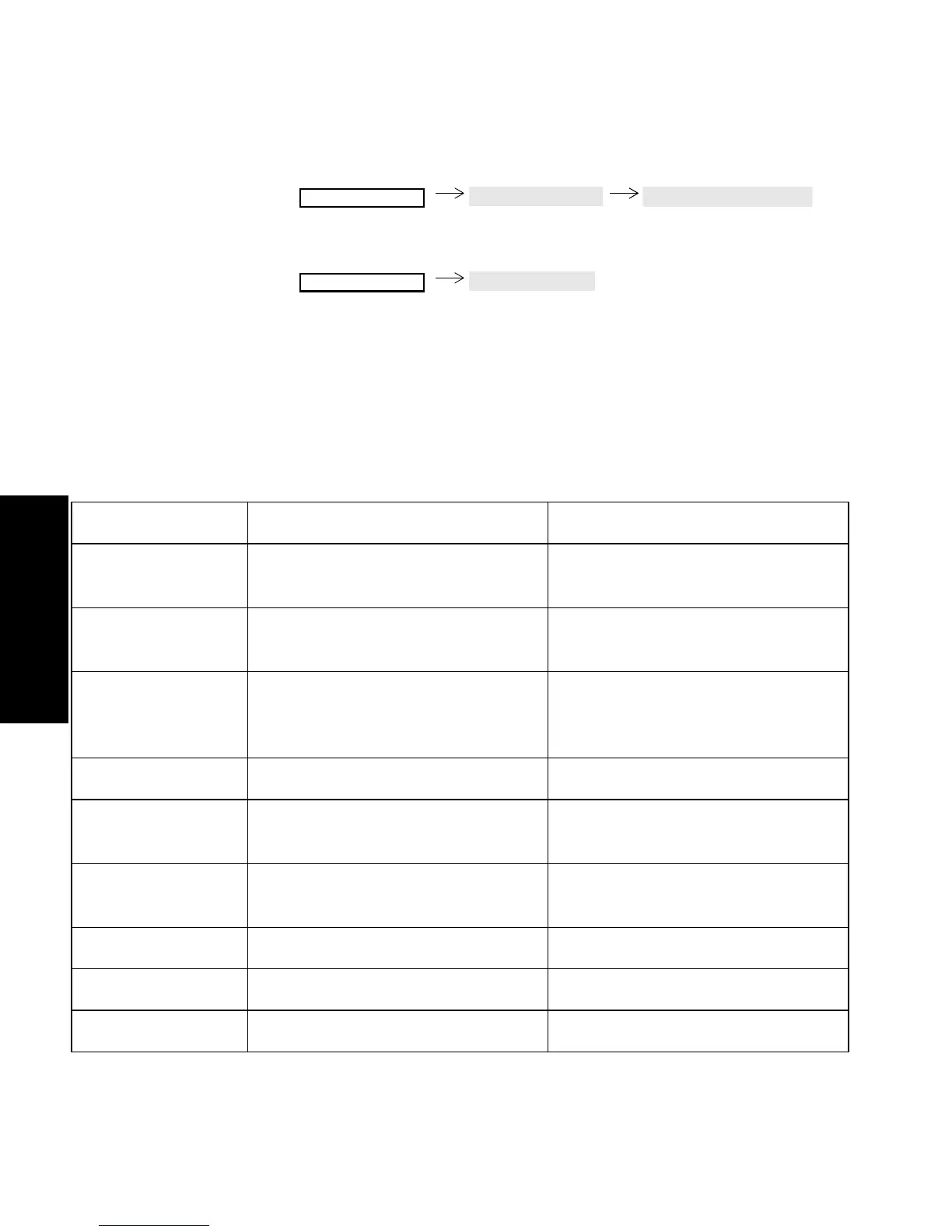
1. Choose a patient category (Adult/Pedi/Neo) by pressing:
2. Display 30 seconds of the waveforms and numerics of all
connected modules by pressing:
3. Repeat Step 2 as necessary to check the individual test waveforms
and numerics for the category.
4. Use Step 1 to choose a new patient category and repeat Steps 2
and 3.
See the following table for test values.
System Self-test Values
Monitor Setup
Config Sets
Change Pat Categ
Monitor Setup
Test Signals
Module Test Numeric Test Waveform
ECG and ECG/
RESP
ECG 100 bpm in ADULT mode
125bpm in NEO/PED mode
Simulated Square Wave
RESP 15 rpm in ADULT mode
30 nrpm in PEDI mode
55 rpm in NEO mode
Simulated Wave
Pressure Simulated square wave
Systolic 120 mmHg ADULT
60 mmHg PEDI/NEO
Diastolic 0 mmHg ADULT
0 mmHg PEDI/NEO
SpO
2
/Pleth
SpO
2
100% No Wave
Pleth Wave on display Simulated wave



 To Next Page