Displaying Split Screen Trends
3-24 Setting up your Monitor
Setting up your
Monitor
In addition to this, the trend to which the alarm limits apply is displayed
with a thicker line than the other trends.
Viewing Trend
Data for Non-
invasive Blood
Pressure
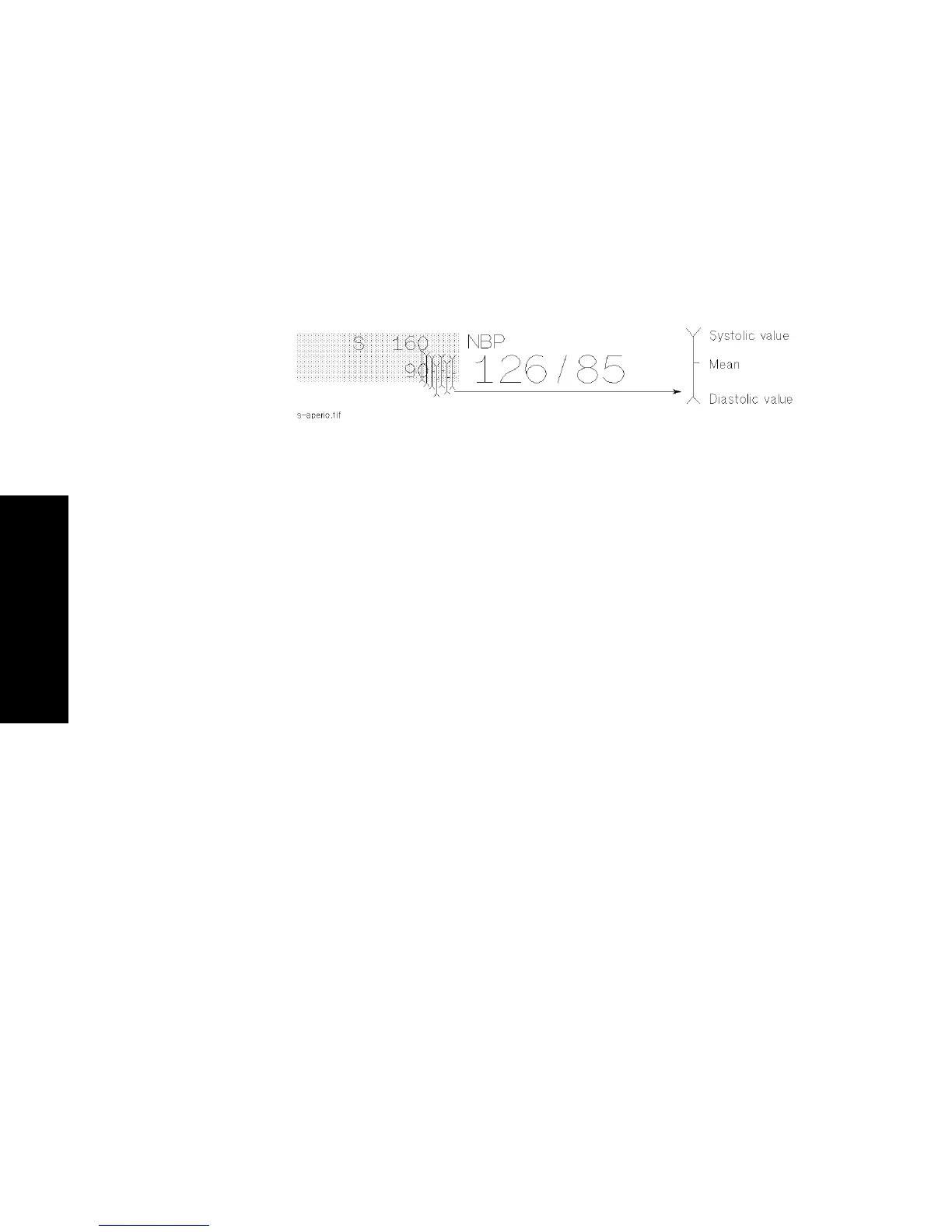
Because the NBP is not a continuously measured parameter, a special
symbol is used to display the trend values, as shown in the diagram
below.
Display of Trend Data for Non-invasive Blood Pressure - Example



 To Next Page