can select “SAVE DATE” to save the current configuration or select
“DEFAULT” to restore the factory value after restarting M3500A. The
valid range of “SAVE DATA” is listed in Table 4-5.
Table 4
Table 4Table 4
Table 4-
--
-5
55
5
No.
Items of Save Data Contents
1 Continuity Threshold Resistance
2 Diode Boundary Voltage
3 Temperature (RTD)
Sensor
、
Types
、
Units
、
USER
define
、
SPRTD
4 Thermocouple Types, Units, R Junction
5 Step & Scan Count, Timer
6 dBm Reference Resistance
7 MX+B Values: M, B
8 Reading Hold Sensitivity Band
9 Input R
DC Input Resistance
10
Interface
USB
、
GPIB ADDR
、
RS232 baud &
parity
11
System
Language
、
Beep
、
IDN string
How to save the settings
Press MENU and then use
◁
and
▷
to locate “SYSTEM” submenu. Press
ENTER to select it. Again use
◁
and
▷
to locate “INIT MODE” submenu,
and then press ENTER to select it. Use
◁
and
▷
to switch from “SAVE
DATA” and “DEFAULT”. Press ENTER on “SAVE DATA” to save your
current setting, or press ENTER on “DEFAULT” to return to default setting.
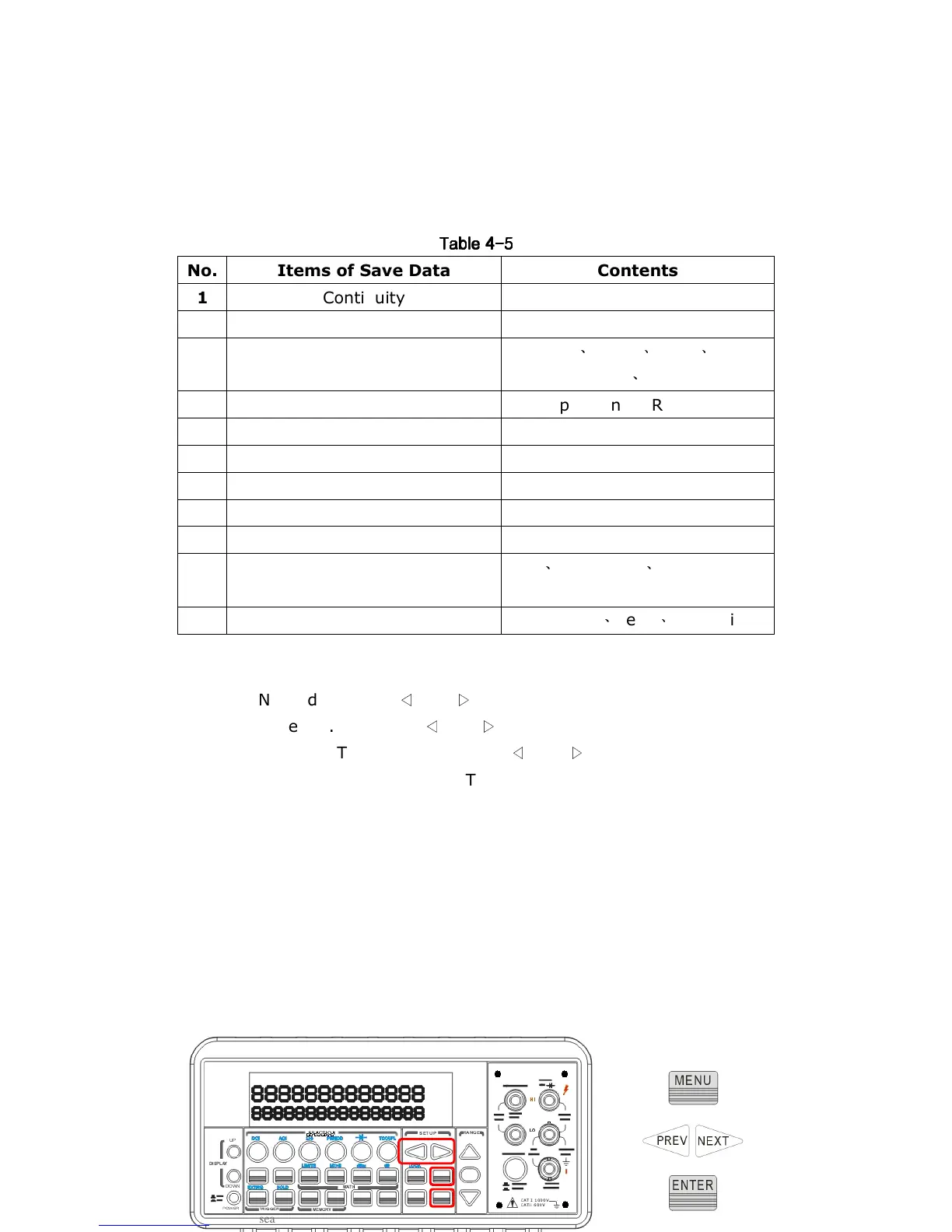
The locations of the buttons are shown with red rectangle frames in
Figure 4-33.



 To Next Page