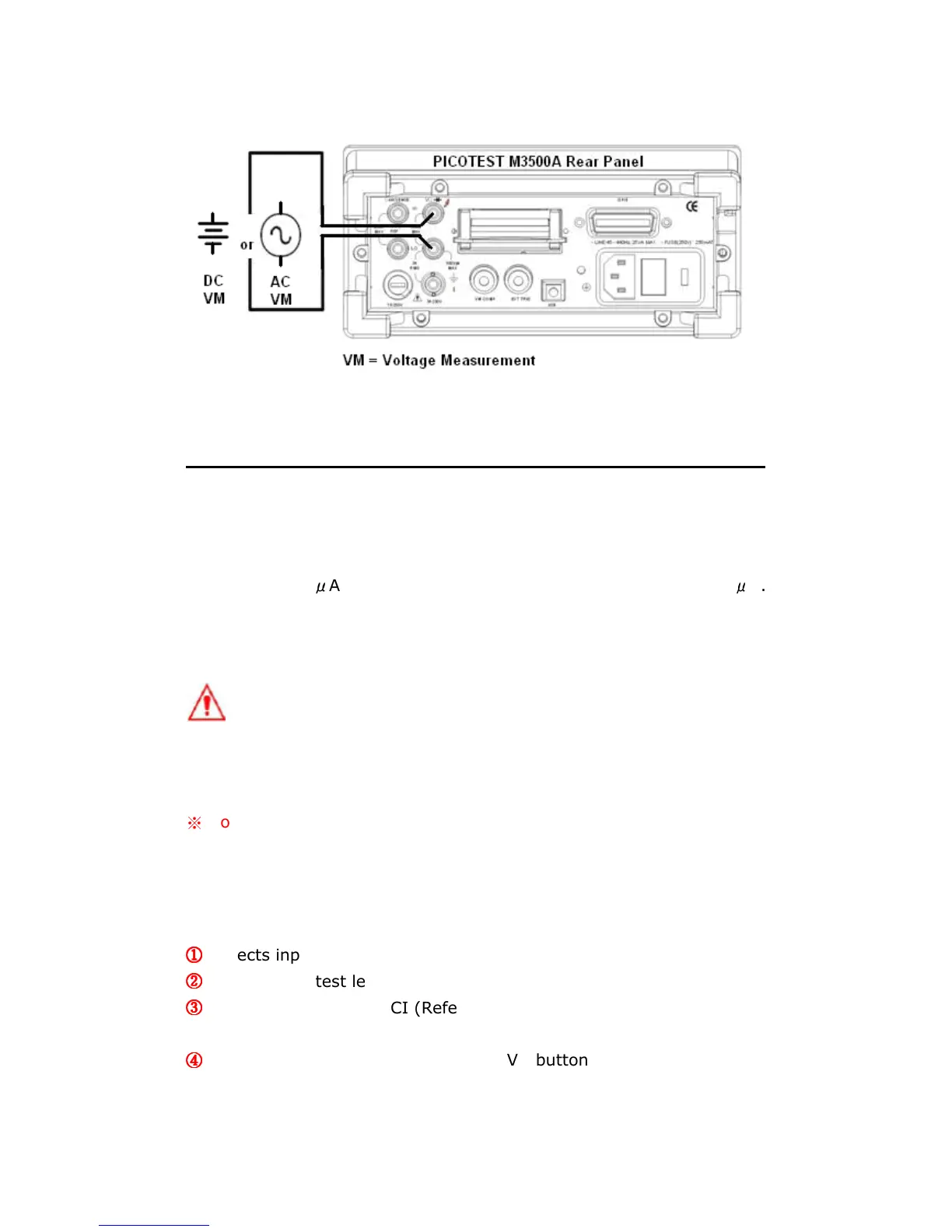
Figure 3-3
3.2 Current Measurements (DC & AC)
The ranges for DC current measurements in M3500A are 10mA, 100mA,
1A and 3A. For AC current measurements, the range is 1A with a
sensitivity of 1
μ
A to 3A AC-Coupled TRMS with a sensitivity of 10
μ
A.
Figure 3-4 and 3-5 show you how to measure DC/AC currents in
M3500A.
Warning! The maximum input current allowed is 3A, 250V. Do not
apply excess current to your meter to avoid damaging the fuse of current
input.
※
Note: To eliminate the thermal EMFs due to the differences between
two metals, use copper leads to connect your source signal to the meter.
How to measure current
①
①①
①
Selects input signal connections on front or rear panel.
②
②②
②
Connect the test leads to the terminals as shown in Figure 3-4.
③
③③
③
Set RESOLUTION of DCI (Refer to 4.1.3), BANDWIDTH of ACI (Refer
to 4.1.2.1) or skip this step if default is to be used.
④
④④
④
Press SHIFT+DCV or SHIFT+ACV buttons for DCI or ACI
measurement.



 To Next Page