for each microprocessor.
How to check the firmware revision
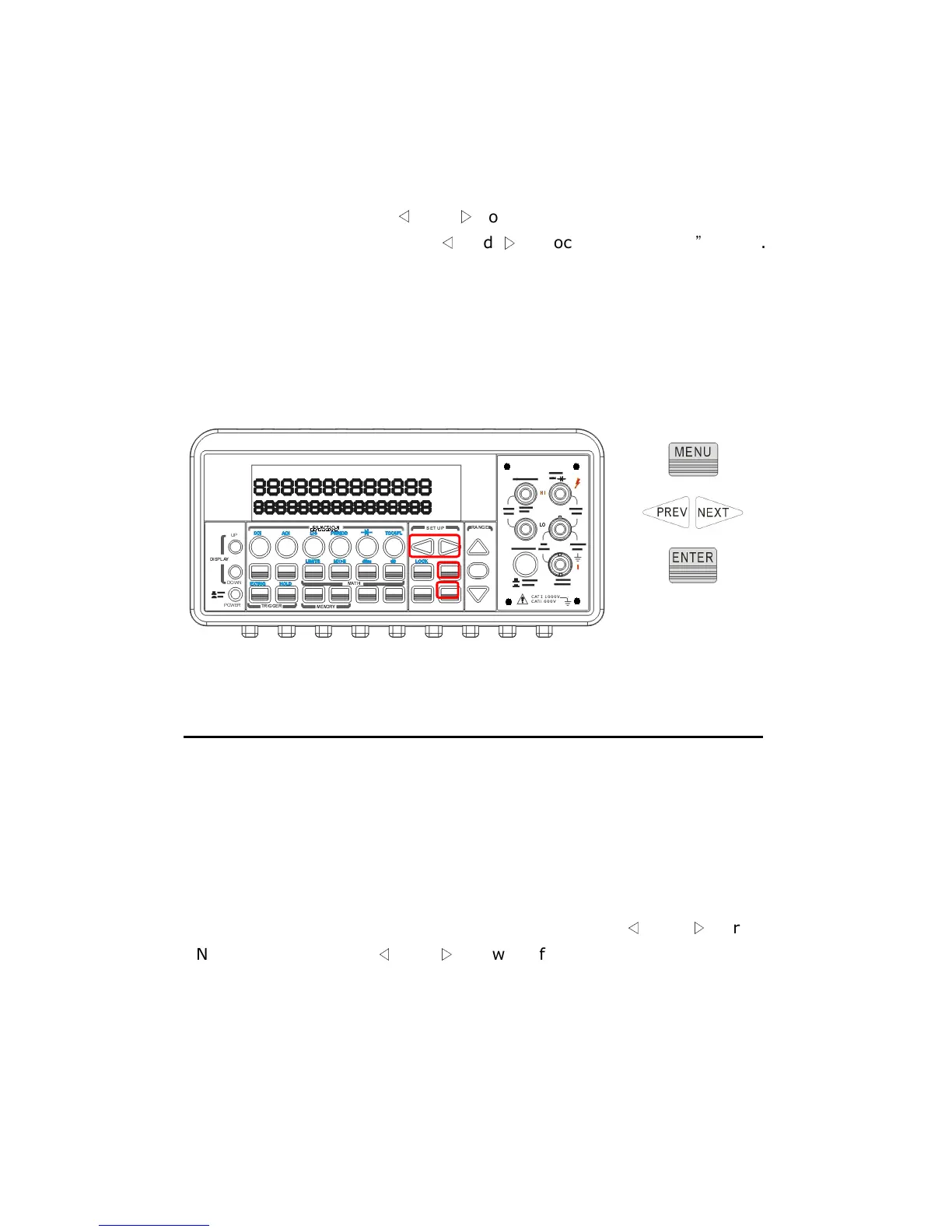
Press MENU and then use
◁
and
▷
to locate “SYSTEM” submenu. Press
ENTER to select it. Again use
◁
and
▷
to locate “REVISION
”
option.
Press ENTER to select it. The multimeter gives three numbers in
xx-xx-xx format on the display. The first number is the firmware revision
number for the measurement microprocessor; the second number is for
I/O processor and the third number is for the front-panel processor. The
locations of the buttons are shown with red rectangle frames in Figure
4-36.
Figure 4-36
4.4.11 Calibration Information
M3500A will show the latest calibrated date and the next calibration date
on the display after following the operation below. The location of the
buttons is shown with red rectangle frames in Figure 4-37.
How to see the calibration information
Press MENU then locate “CALIBRATE” option using
◁
and
▷
. Press
ENTER to select it. Use
◁
and
▷
to switch from the last calibrated date
and the next calibration date.



 To Next Page