4.4.8 Language
M3500A supports two languages: DEFAULT (M3500A) and COMPATIBLE.
How to set up the language
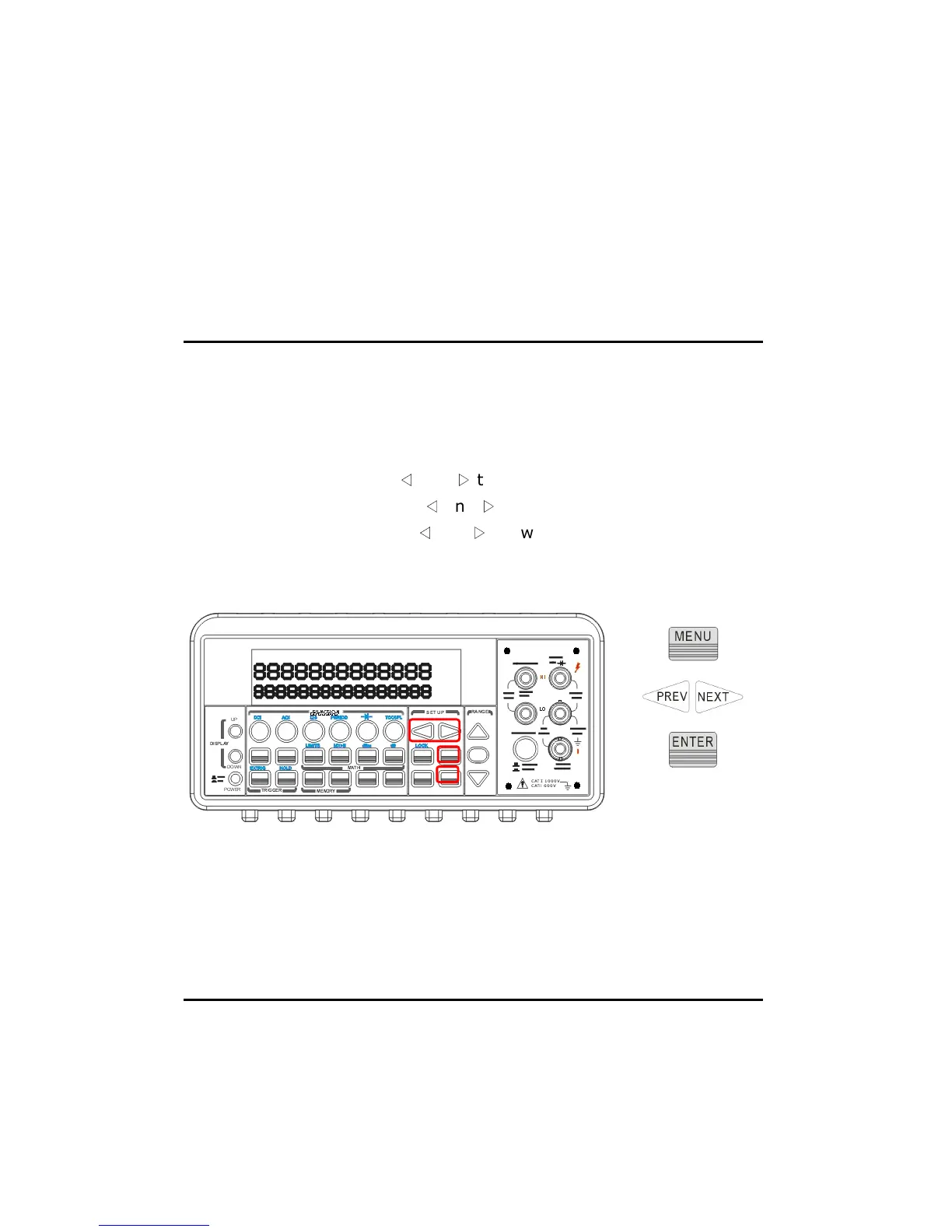
Press MENU and then use
◁
and
▷
to locate “SYSTEM” submenu. Press
ENTER to select it. Again use
◁
and
▷
to locate “LANGUAGE” submenu.
Press ENTER to select it. Use
◁
and
▷
to switch to DEFAULT (M3500A) or
COMPATIBLE. Press ENTER on your selection. The locations of the
buttons are shown with red rectangle frames in Figure 4-34.
Figure 4-34
4.4.9 Error Condition
The error annunciator on the front panel display tells about the error
condition of the multimeter. If there are one or more syntax or hardware



 To Next Page