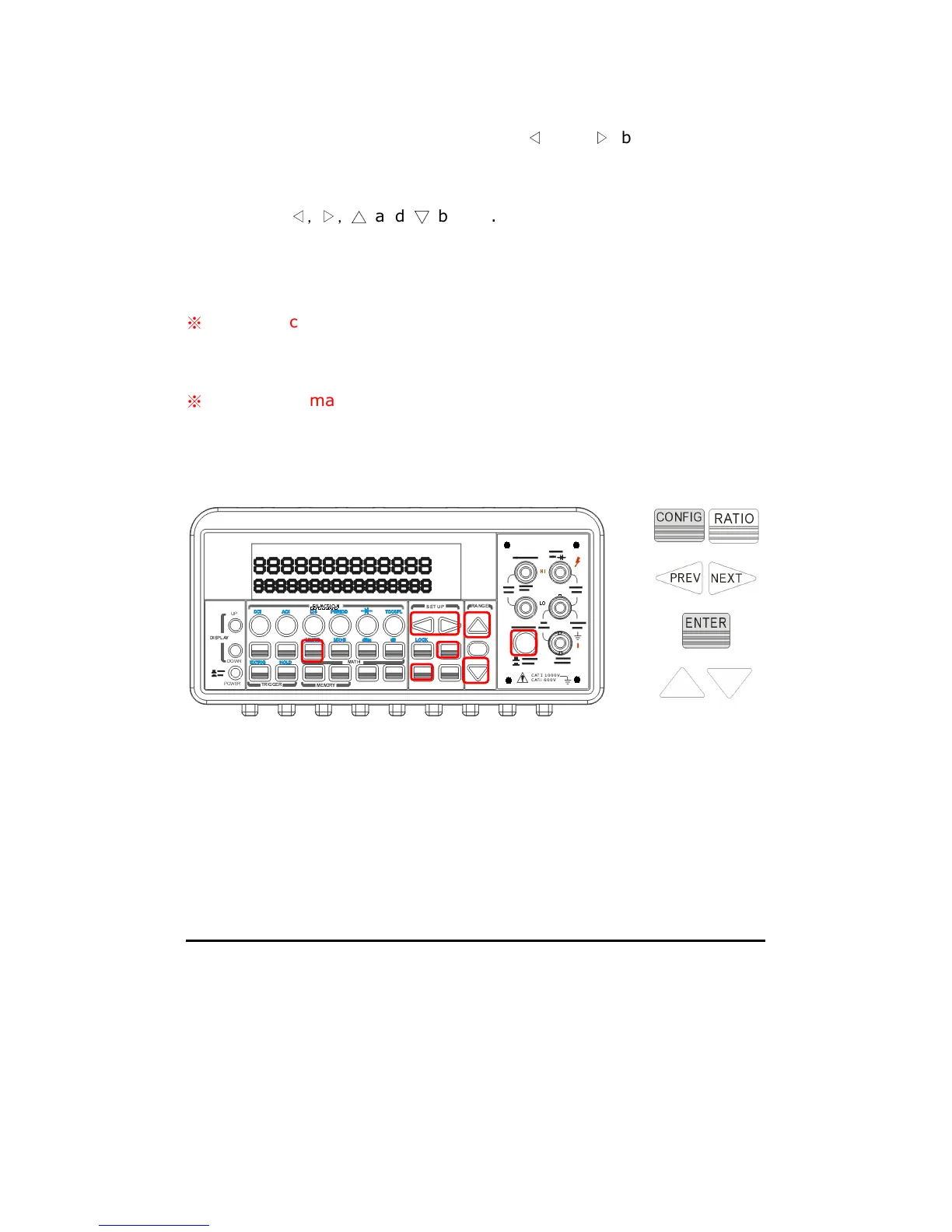
Press CONFIG + RATIO, and then use
◁
and
▷
buttons to locate
“RESOLUTION” option (Refer to 4.1.3) and “FILTER” option (Refer to
4.1.2.2). Press ENTER to make choices. Then select desired value for it
by pressing
◁,
▷,
△
and
▽
button. Press ENTER to choose it. For
operating this function, please press RATIO button and observe the
reading on the display as shown as Figure 4-14.
※
Note: To close this function, please press one of the measurement
function buttons.
※
Note: The max. DC input voltage is 1000 V, and the max. DC
reference voltage is 200 V.
Figure 4-14
Remote Interface Operation
Use the following command to make a RATIO measurement.
CONFigure:VOLTage:DC:RATio {<range>|MIN|MAX|DEF},{<resolution>|MIN|MAX|DEF}
4.3.2 % (Percent)
Definition
This mathematical function calculates the ratio of a measurement
reading to a specified target value as the form of percentage. The
calculation formula is shown below:



 To Next Page