The specified target value is store in a volatile memory and will be
cleared after the meter has been turned off or a remote interface reset.
How to use % (Percent) function
There are two ways to make a percent measurement: Through the front
panel operation or through the remote interface operation.
Front Panel Operation
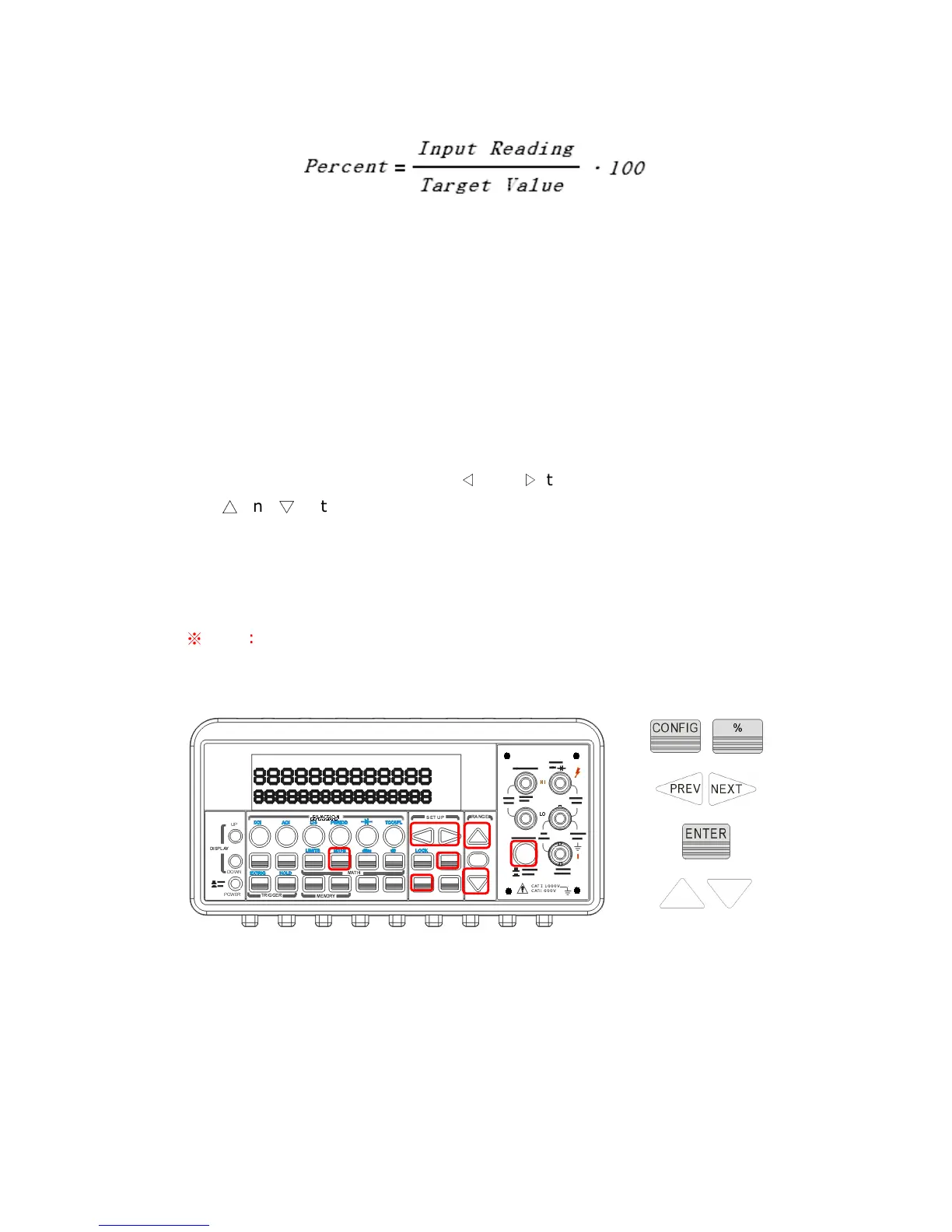
To specify a target value, you need to configure Percent function by
pressing CONFIG + %, then use
◁
and
▷
to move through the digits
and
△
and
▽
buttons to increase or decrease the numbers to a desired
target value. Press ENTER to set the value. Press % to activate this
function. And then observe the calculated percent value on the display as
shown as Figure 4-15.
※
Note: Press % again to disable this function. The “MATH” annunciator
on the display indicates the state of a mathematical feature.
Figure 4-15
Remote Interface Operation
Use the following commands to enable and configure Percent function:
CALCulate:FUNCtion PERCent



 To Next Page