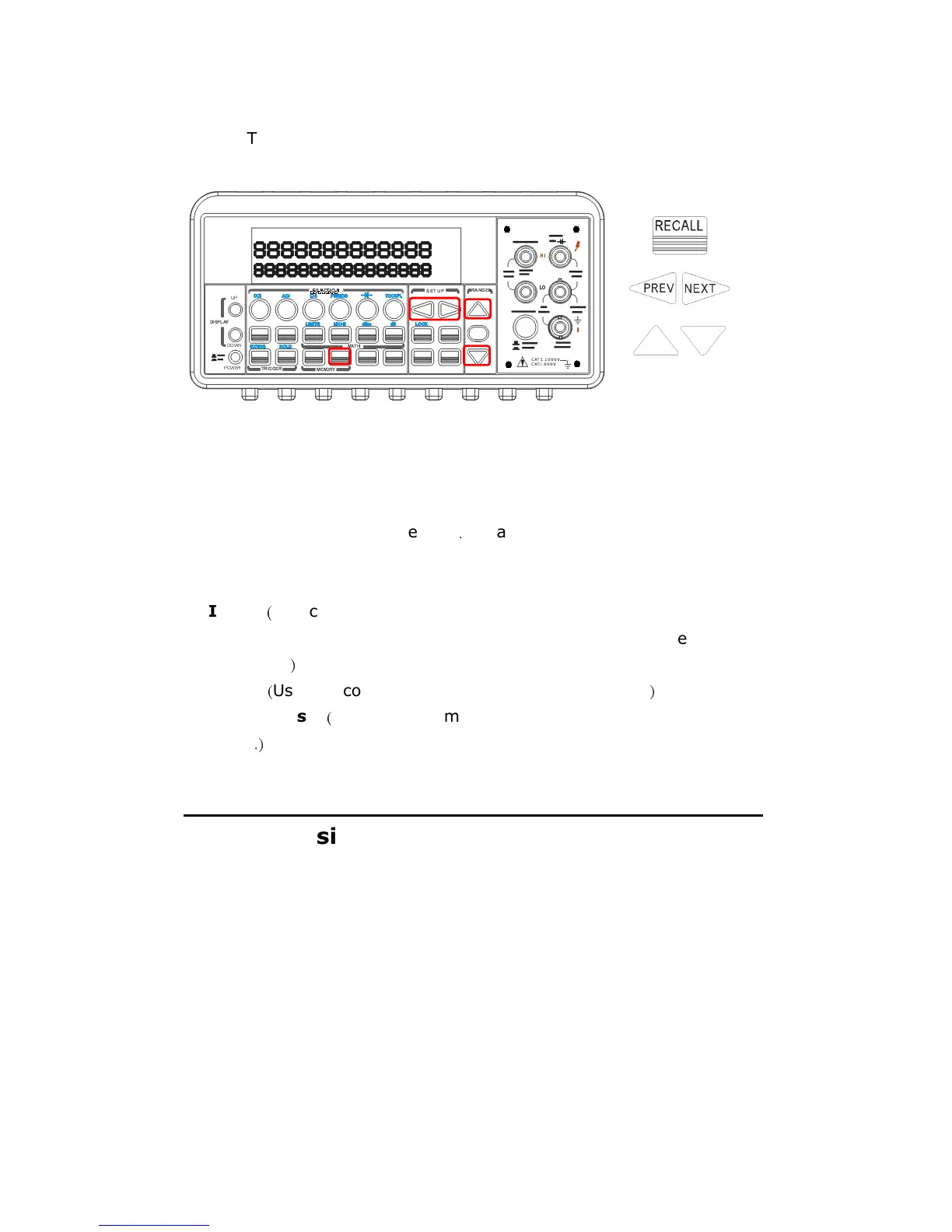
stored.
The locations of the buttons are shown with red rectangle frames
in Figure 4-29.
Figure 4-29
Remote Interface Operation
You can use the following commands from your PC terminals to store or
retrieve readings in the
memory
.
In addition, the number for STORE
function only can be set through front panel.
INITiate
(
This command tells the meter to be on “wait-for-trigger” state.
After a measurement is taken, measurement readings
will be placed in
the memory.
)
FETCh?
(
Use this command to retrieve stored readings.
)
DATA:POINts?
(
Use this command to query the number of stored
readings
.)
4.4.4 Sensitivity Band (Hold)
The reading hold function captures and holds a stable reading on the
display. The multimeter beeps and holds the value when it detects a
stable reading. The sensitivity band in reading hold decides which
reading is stable enough. This band is expressed as a percent of reading
on the selected range. The multimeter considers a reading stable when
three consecutive values are within the band. You have an option to
adjust this sensitivity band.
Default



 To Next Page