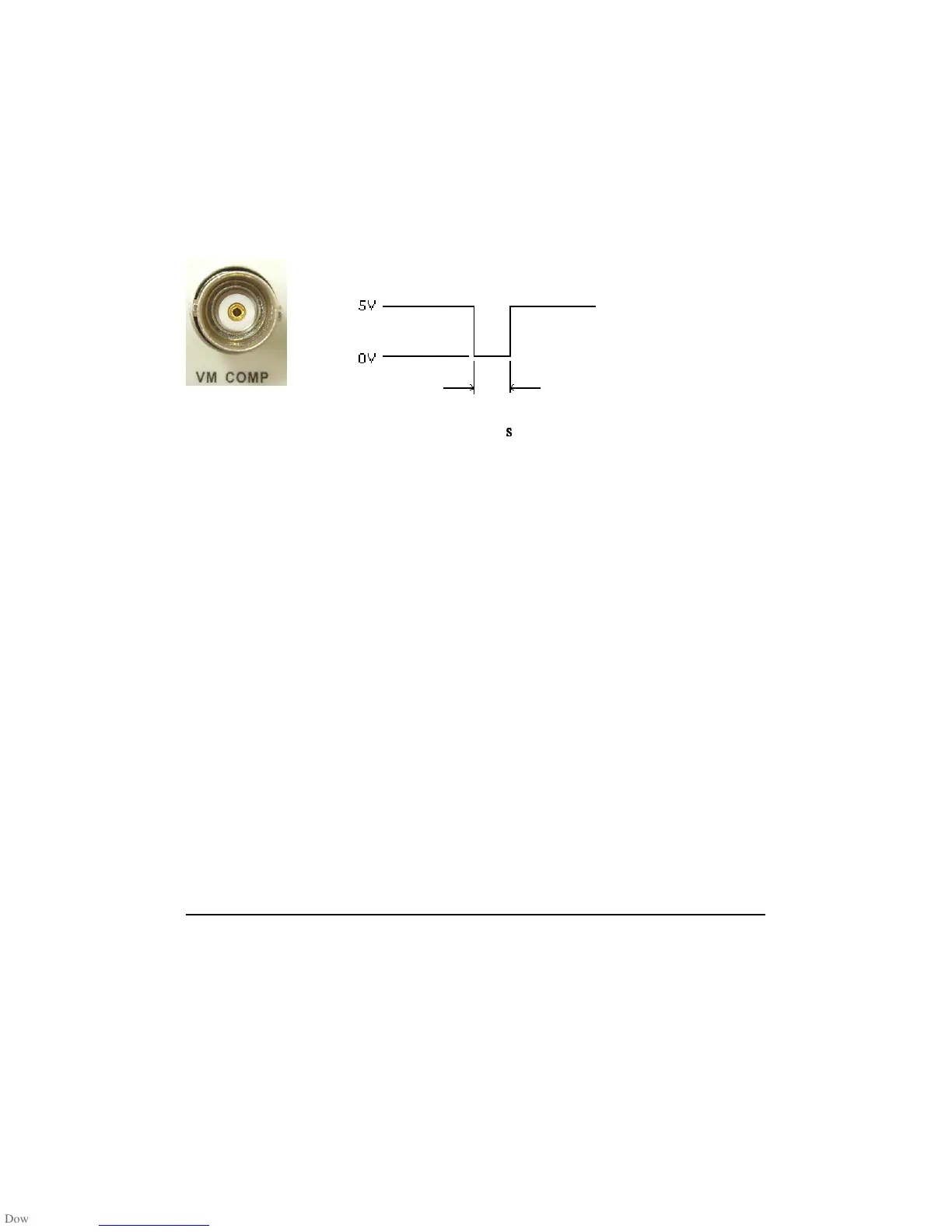
VM COMP (Voltmeter Complete) Terminal
The real panel VM COMP terminal provides a low-true pulse after
finishing each measurement. The VM COMP and external trigger shown
below provides a standard hardware handshake sequence between
measuremen and switching devices.
Remote Interface Operation (By software or internal trigger)
By software trigger: The software trigger is similar to the single
triggering, but instead of using the “SINGLE” button on the front panel,
you send a command from your PC to the multimeter to generate an
event. For using software trigger, use the following command from your
PC terminal to set trigger source:
TRIGger:SOURce BUS
By internal trigger: The internal trigger is the default trigger mode for
the Remote Interface Operation. In the internal trigger mode, a trigger
signal will be issued whenever the multimeter is in the wait-for-trigger
state. To set the internal trigger, use the following command from your
PC terminal:
TRIGger:SOURce IMMediate
4.2.3 Trigger Setting
In M3500A, you can specify a variety of trigger settings including the
number of samples per trigger, the number of triggers per event, reading
hold, and the trigger delay for your measurements.
Output
Approximately
2 µ
s
ss
s



 To Next Page