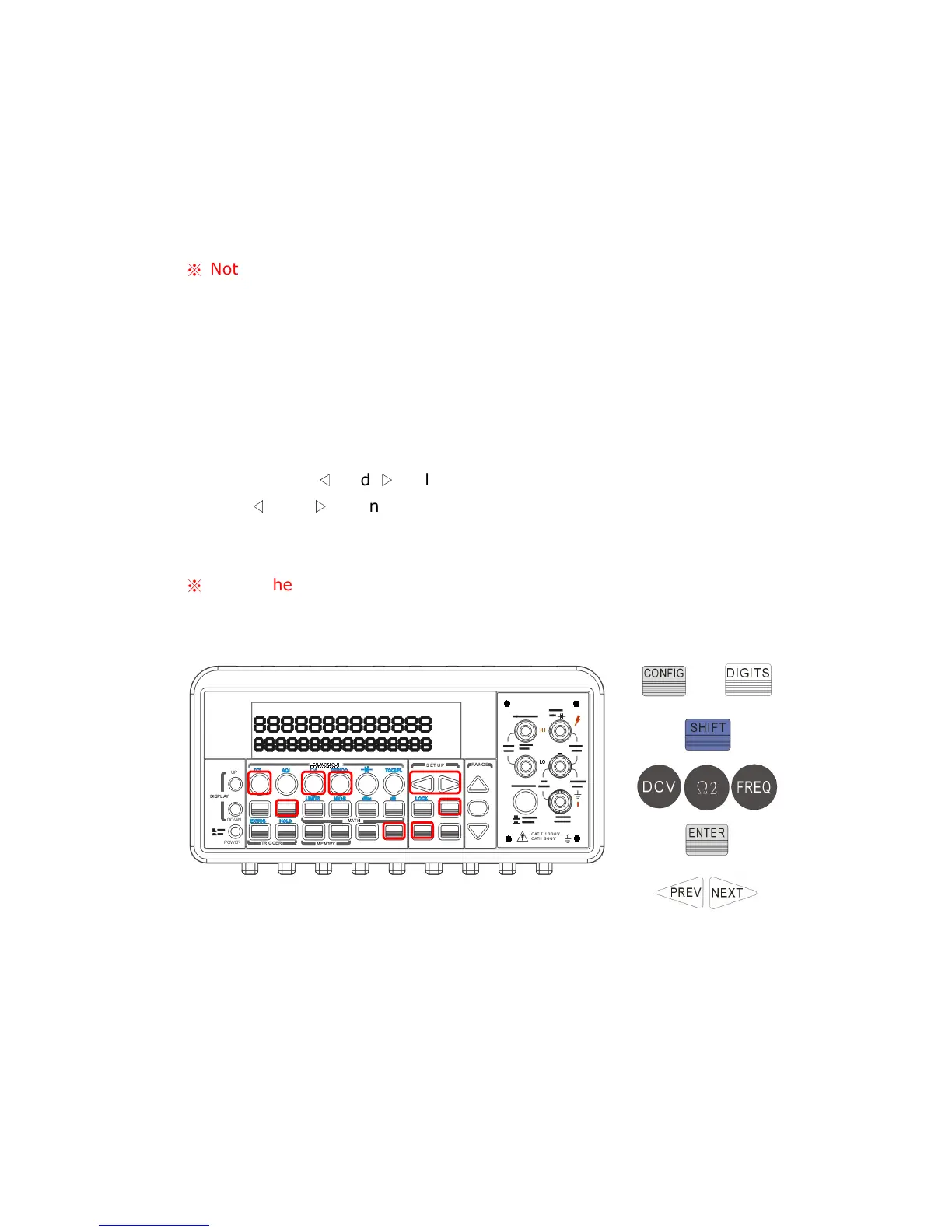
function buttons located on the first row of your meter's front panel.
Press DIGITS button to select your desired resolution for your
measurement. You can press DIGITS button several times to see how
the resolution setting changes from 4.5, 5.5 to 6.5.
※
Note: When using Method A to set the resolution, your options are 4.5
(slow), 5.5 (slow) and 6.5 (fast).
B.
Press CONFIG and then select a function as you wish from DCV, DCI
(SHIFT +DCV), Ω2, Ω4 (SHIFT + Ω2), FREQ and PERIOD (SHIFT +
FREQ).
Press ENTER on RESOLUTION submenu. If it is not shown on the
display, use
◁
and
▷
to locate it.
Use
◁
and
▷
to find your desired resolution. Press ENTER on your
choice.
※
Note: The options for frequency and period measurements are 4.5
(slow), 5.5 (slow) and 6.5 (slow).
Figure 4-3
Remote Interface Operation
Use the following commands on your PC terminal to set the resolution for
your measurement.
CONFigure:<function> <range>,<resolution>
MEASure:<function>? <range>,<resolution>
SENSe:<function>:RESolution <resolution>
or



 To Next Page