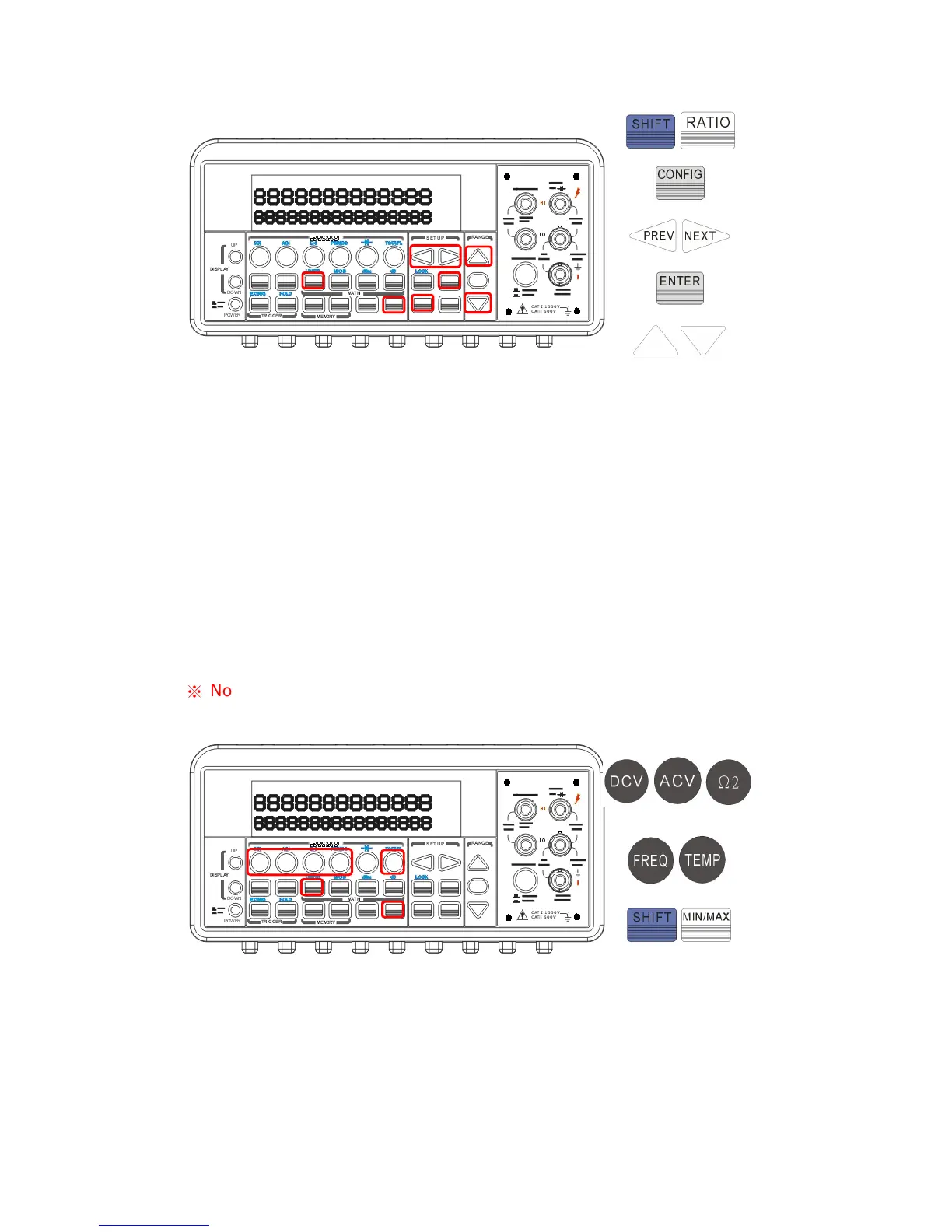
Figure 4-18
How to make a limit testing
The locations of the buttons are shown with red rectangle frames in the
Figure 4-19.
Select a measurement function for purpose except continuity and
diode.
Enable the limit operation by pressing SHIFT + RATIO buttons.
After enabling the limit function, you can set the limit value as
mentioned above.
Observe the displayed reading.
※
Note: Press SHIFT+RATIO again to disable this feature. The “MATH”
anunnciator on the display indicates the state of a mathematical feature.
Figure 4-19
Remote Interface Operation
Use the following commands to enable the limits function or to set the
limits:



 To Next Page