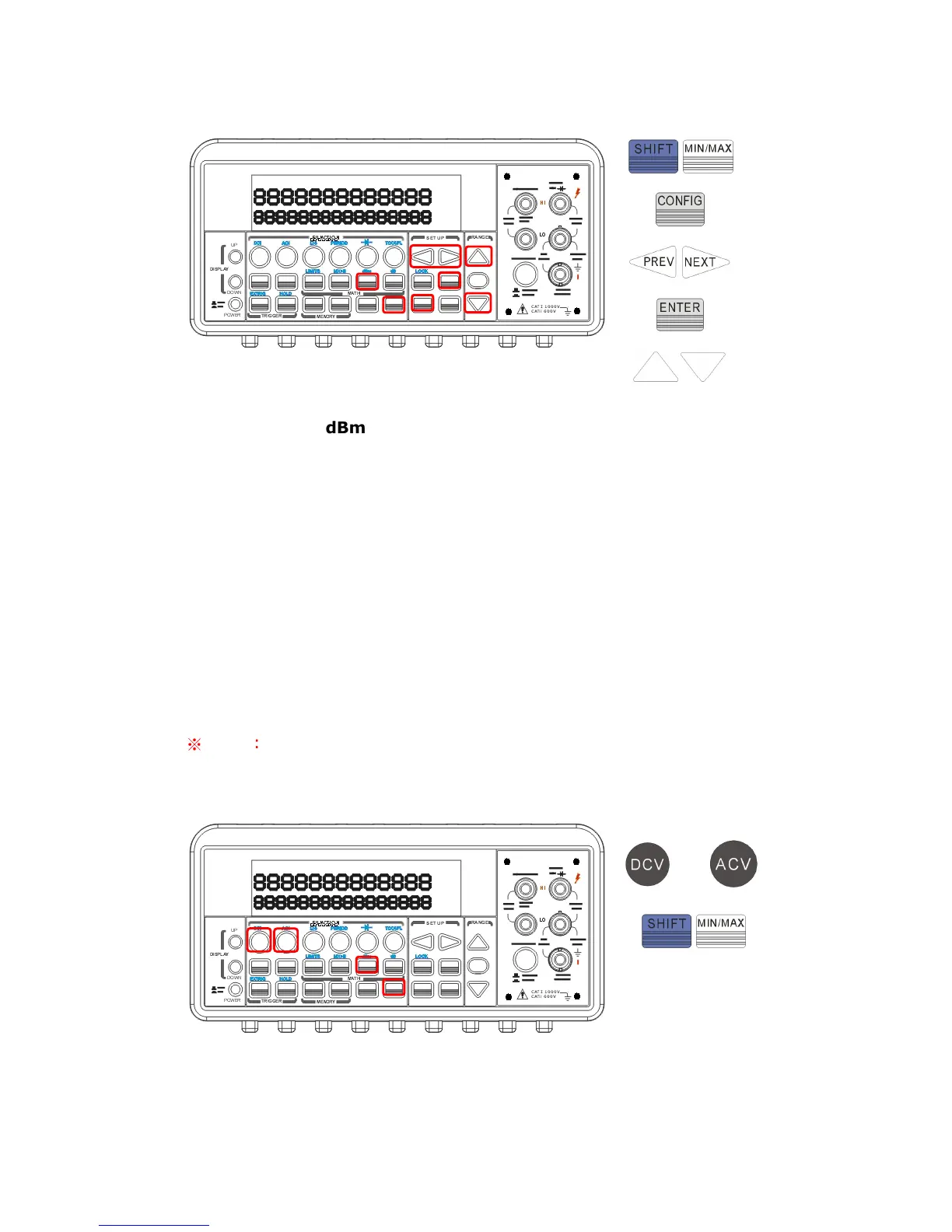
Figure 4-23
How to make a
dBm measurement
Select a measurement function by pressing DCV or ACV button. The
dBm feature is only available for DCV and ACV only.
To enable dBm, press SHIFT + MIN/MAX buttons.
After enabling the dBm operation, you can select the reference
resistance as mentioned above. The default for the reference
resistance is 600 Ω.
The locations of the buttons are shown with red rectangle frames in
Figure 4-24.
※
Note: Press SHIFT+MIN/MAX again to disable this feature. The
“MATH” anunnciator on the display indicates the state of a mathematical
feature.
Figure 4-24
or



 To Next Page