www.pinell.no Page11
Rotate the knob or use the arrow keys to highlight Daylight saving. Press to confirm.
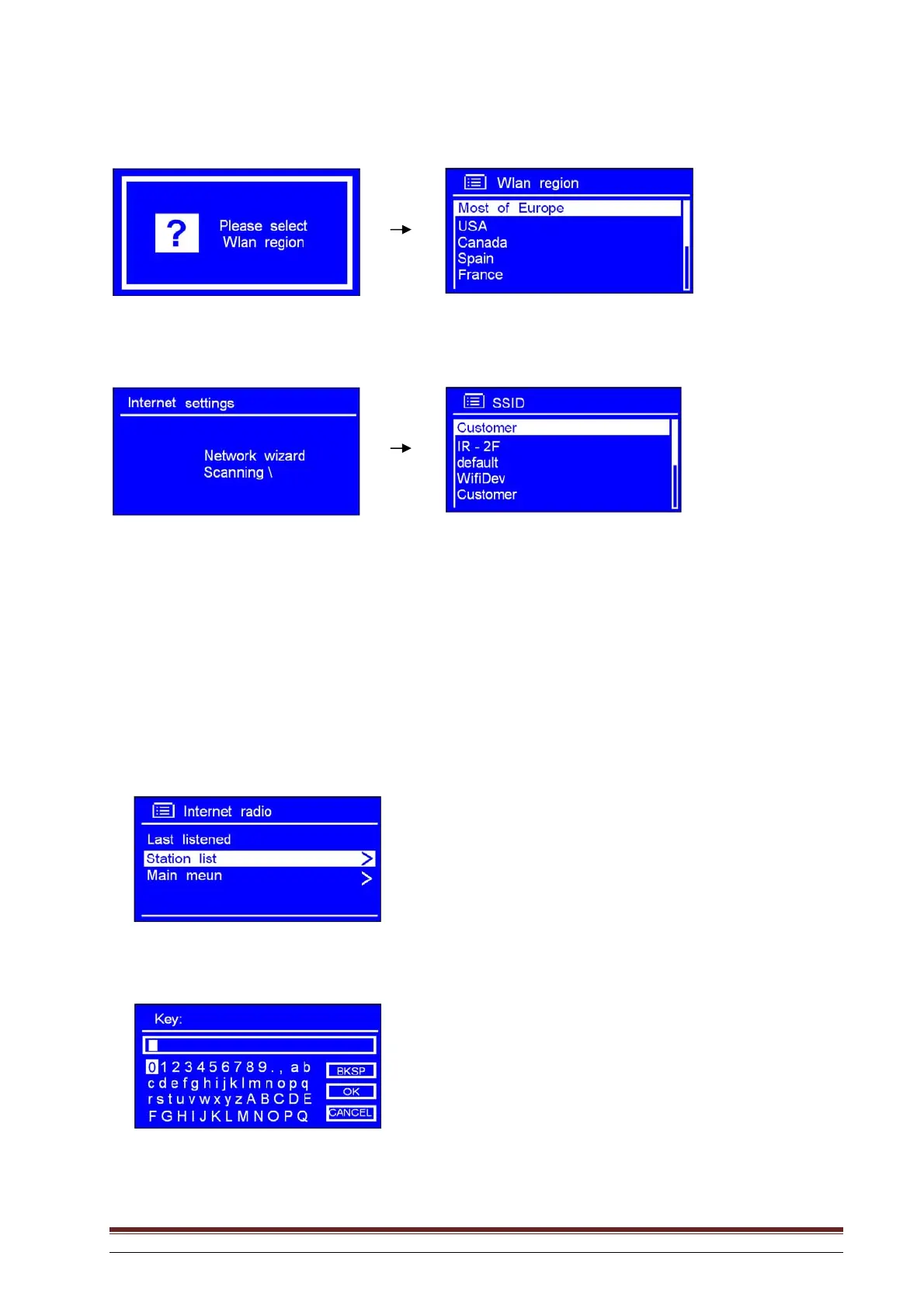
Rotate the knob or use the arrow keys to highlight the desired WLAN region. Press to confirm.
Rotate the knob or use the arrow keys to select SSID. Press to confirm. The radio stores this in its
memory. The SSID is the name of your local network (LAN).
NB: In some cases the radio may find more than one network. Rotate the knob or use the arrow keys to select
the one you prefer, and press to confirm.
If the network has not been configured to request a password (WEP/WPA) the radio will connect to the
network and display:
If a WEP or WPA key (password) is required, you will be asked to enter this using the following display:



 To Next Page