127
Front Panel≫ Rear Panel≫ Remote≫
Contents
≫
Connections
≫
Playback
≫
Setup
≫
Convenience functions
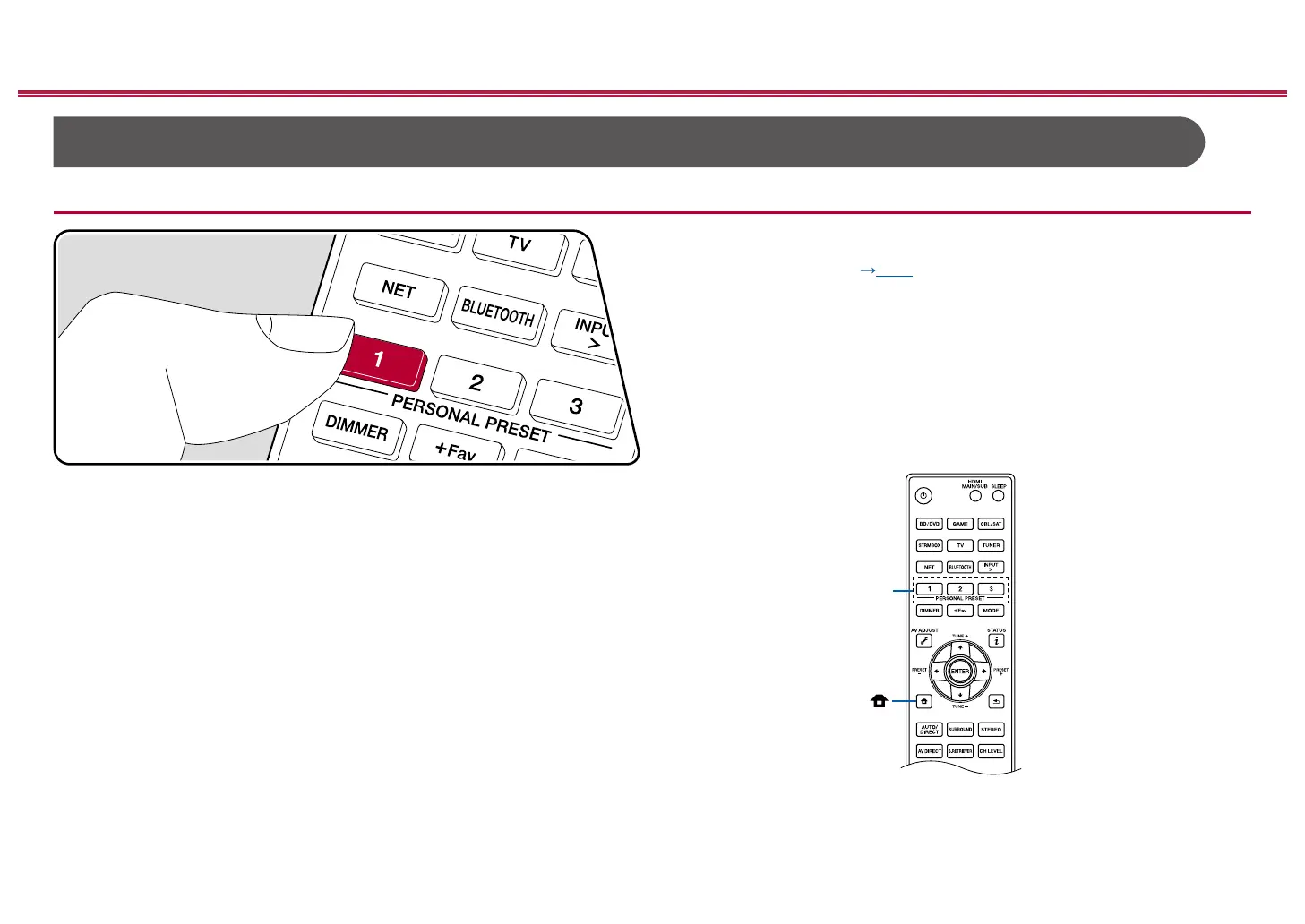
Using PERSONAL PRESET
Registration
You can register settings ( p128) such as the current input selector and
listening mode with the three PERSONAL PRESET buttons, and call a registered
setting in a single operation.
e.g.) Pressing the PERSONAL PRESET button will automatically switch the input
selector to "TUNER" to receive the registered station. Also, the listening mode
and volume level are switched as registered.
Perform the following steps in the state of the setting to register.
1. Press and hold any of the 1 to 3 buttons of PERSONAL PRESET.
2. "Preset Written" appears on the display, and the setting is registered. If
registration has already been made, the registered setting is overwritten.
PERSONAL
PRESET



 To Next Page
 Loading...










